Switch between All, Companies, Contacts and Kanban
Four views, one dataset — pick the one that matches what you're doing right now.
The Leads Hub has four views over the same underlying data. Switching views never changes your filters, only how the data is shown. Pick the view that matches what you're trying to do right now.
All leads
The default view: one row per lead — both companies and contacts — combined into a single table. Use this when you want a complete picture or when you're searching across everything in your scope.
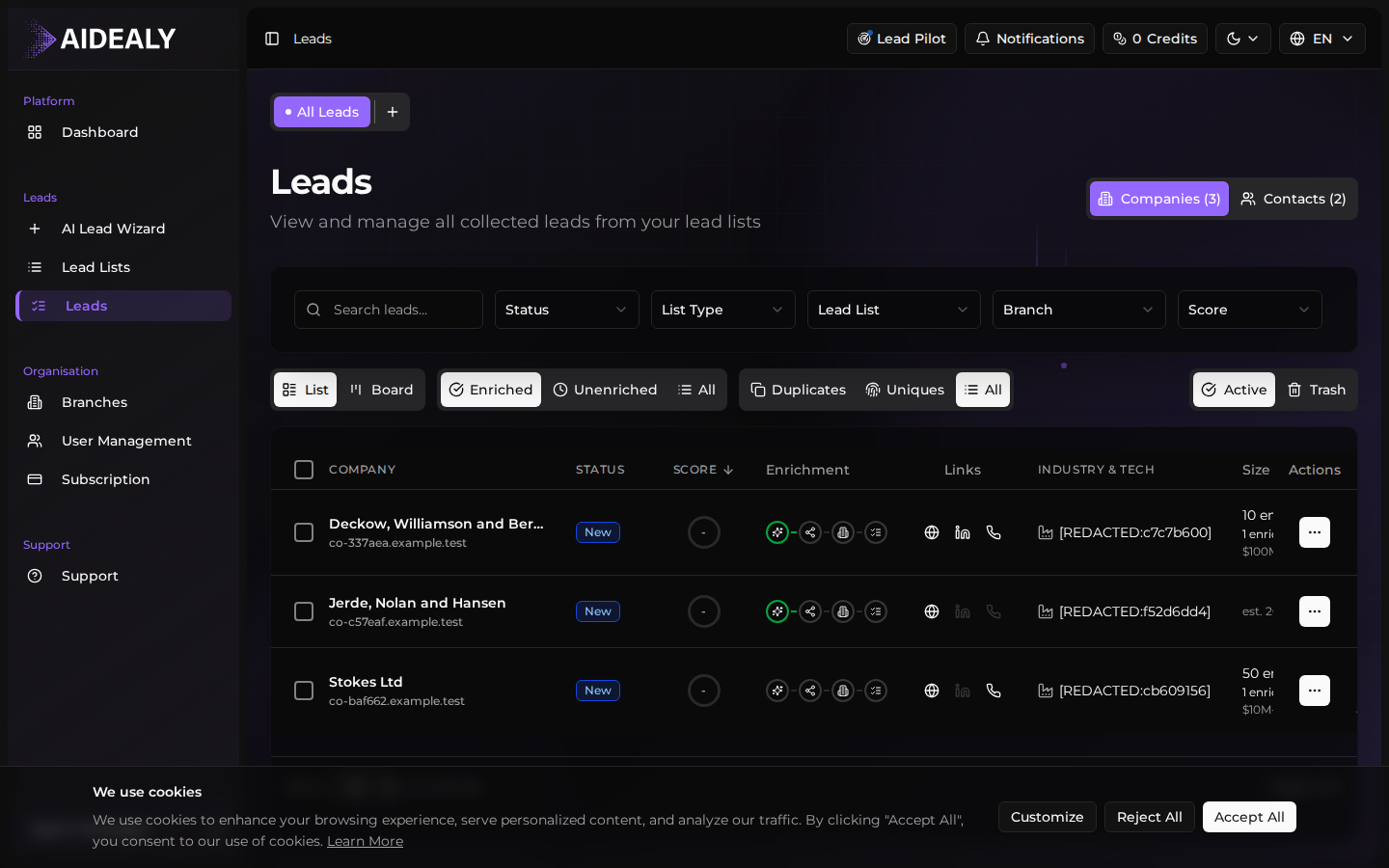
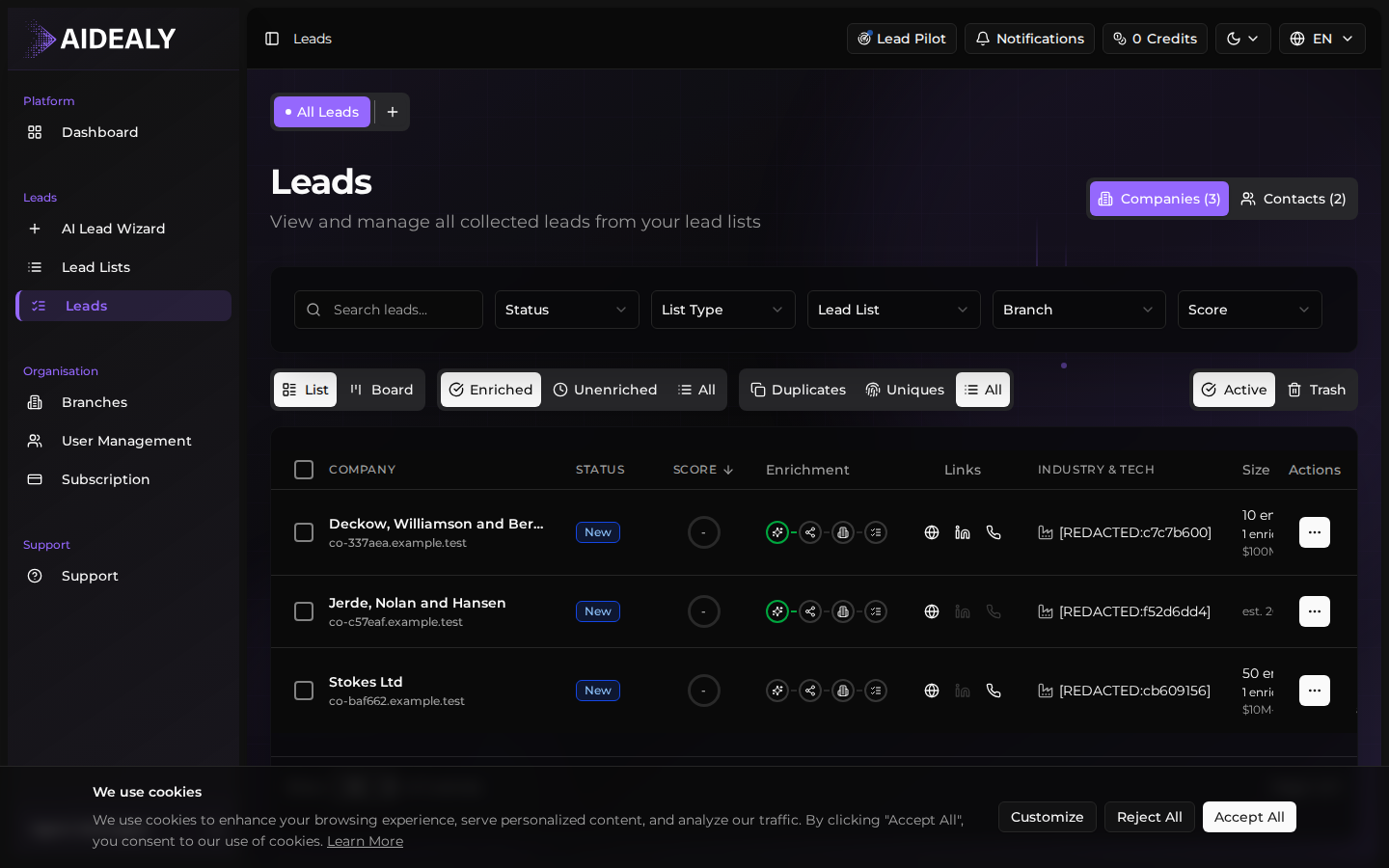
Companies
The Companies view rolls every lead up to the company level. One row per company, with the ICP score, total contacts found, source Lead List, and last enrichment time visible at a glance. Use this when you're prioritising accounts — deciding which logos are worth real outreach effort.
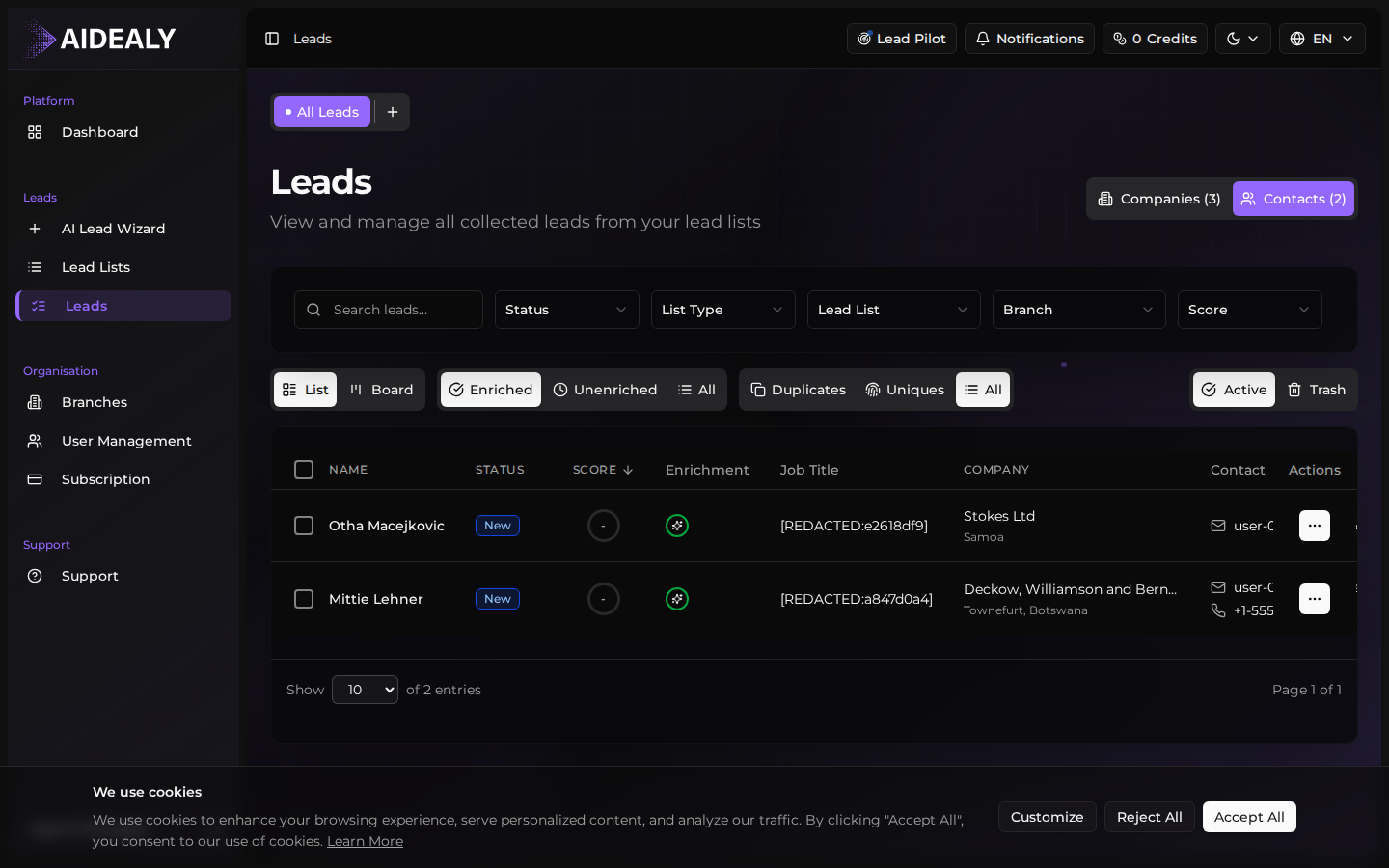
Contacts
The Contacts view flips the lens: one row per person, with their role, the company they belong to, their verified email status, and the ICP score they inherit from their company. Use this when you're building an outreach send — you want a flat list of humans to email, not a list of logos.
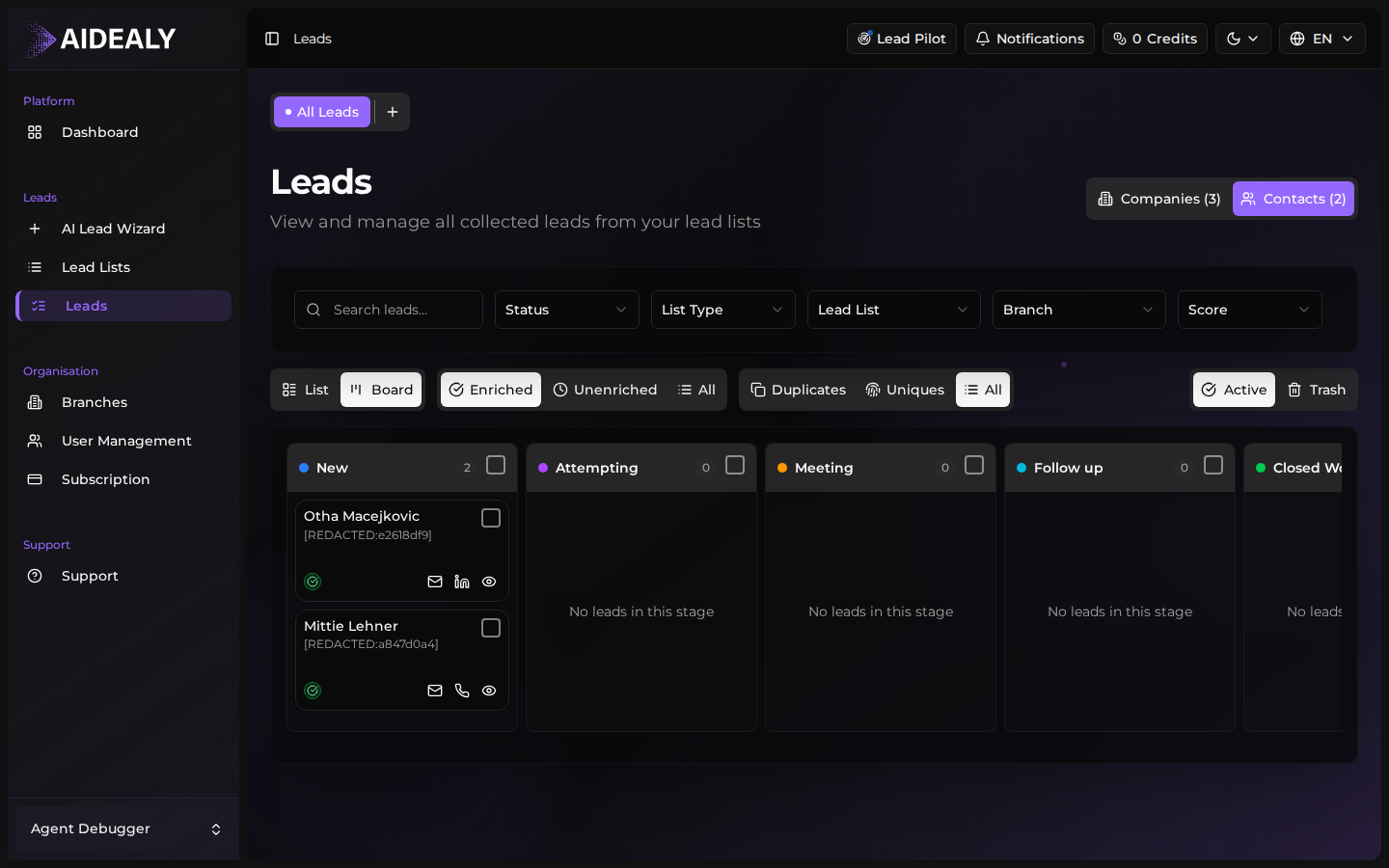
Kanban
Kanban turns your leads into a board grouped by status. Each column represents a stage in your funnel (New, Qualified, In Progress, Won, Lost). Drag cards between columns to update status; Aidealy saves the change immediately. Click a card to open the lead drawer without leaving the board.
Filters survive view switches
Whatever filter you have applied stays applied when you switch views. Find a slice of leads once, then look at them in whichever format helps you work — table, board, or split by company versus contact.