Read the lead detail page
Company profile, contacts, score breakdown, LinkedIn, and which lists this lead belongs to.
The lead detail page is everything Aidealy knows about one company: firmographics, contacts, ICP score breakdown, social presence, and which Lead Lists it appears on. Use it when you're about to act on a lead and want the full picture in one place.
Header and profile
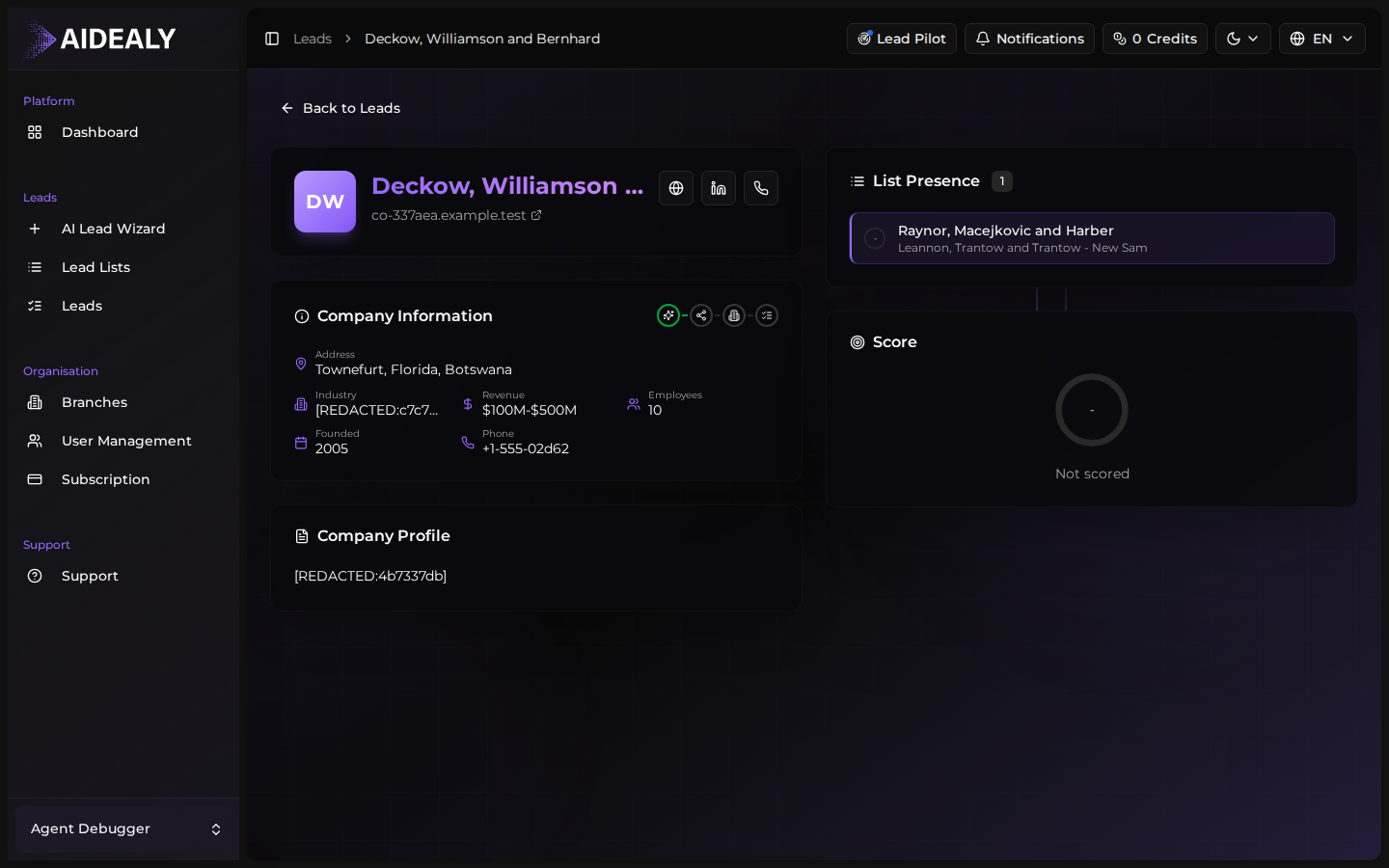
The header shows the company name, logo, website, and the current ICP score. Below that, the profile section lists firmographic details: industry, size band, headcount, country, headquarters address, founding year, and revenue band when known.
Score breakdown
The ICP score card on the right breaks the 0–100 number into per-dimension contributions: industry fit, size fit, geography fit, signal fit, and so on. Hover any dimension to see the underlying values Aidealy compared against your ICP. This is how you understand why a lead scored what it did.
Contacts and LinkedIn
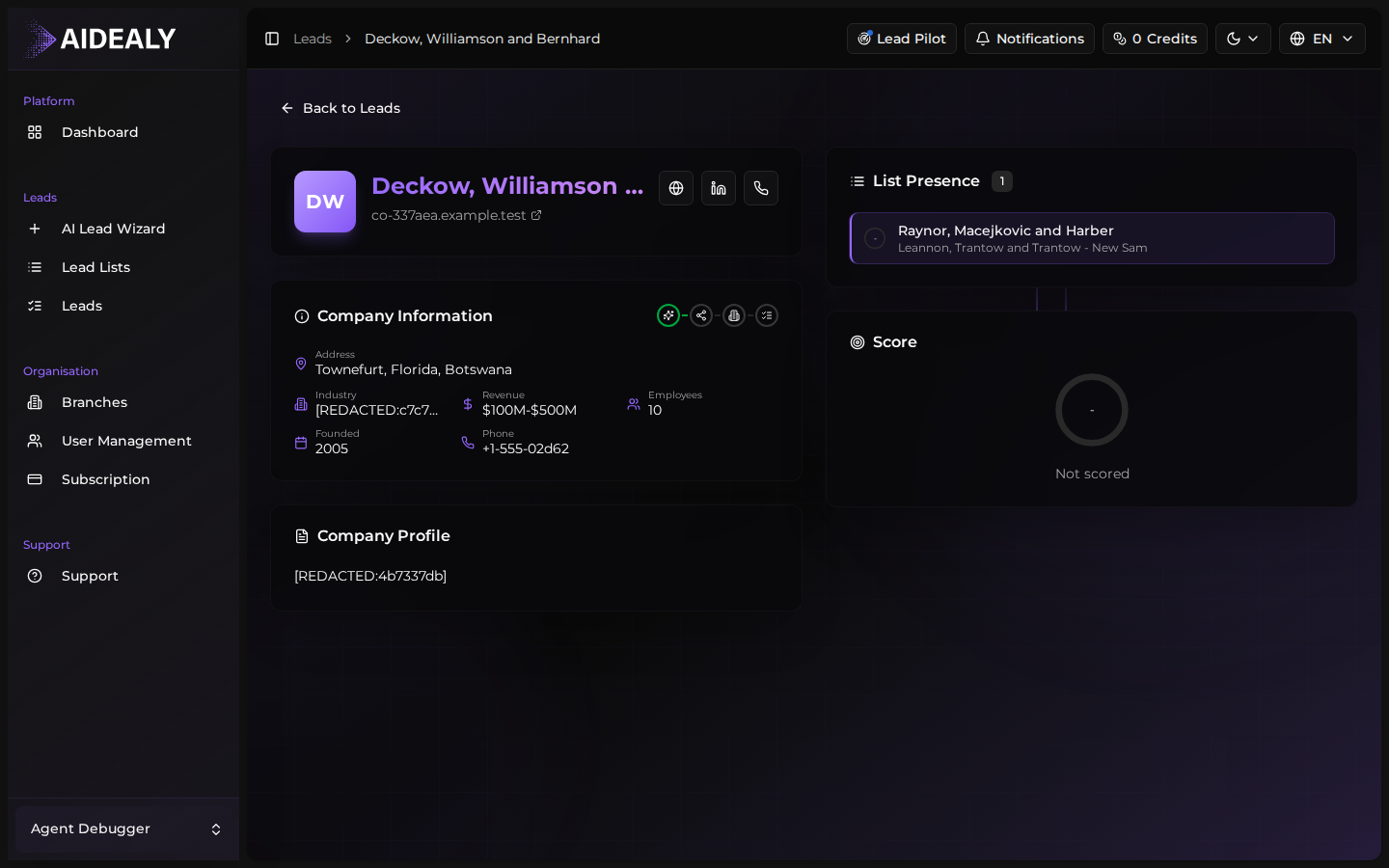
The Contacts section lists every person Aidealy has found at this company, with role, verified email status, phone, and a LinkedIn link where available. Click a contact to open its dedicated drawer; expand the section to see all of them at once.
The LinkedIn block beside the profile gives you direct links to the company's LinkedIn page and the latest activity preview when LinkedIn enrichment is included in your plan.
List presence
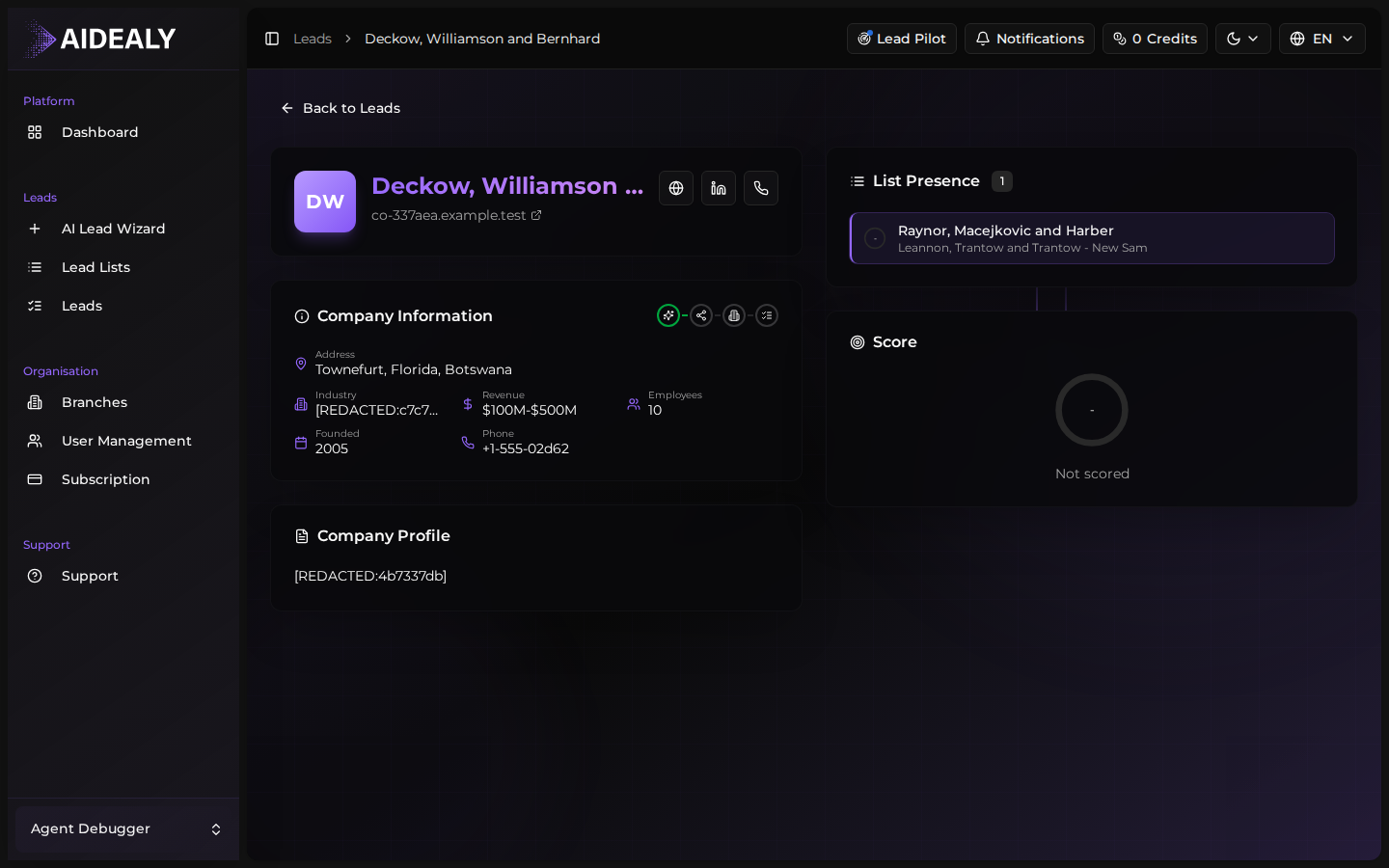
The Lists panel shows every Lead List this company appears on. The same company can show up on multiple lists if it matches more than one ICP — that's a strong signal. Click any list link to jump straight back to it.
List presence as a relevance signal
A company on three Lead Lists is usually a stronger fit than one on a single list — it's matched multiple ICPs you've defined. Sort by list count to surface those leads first.