Enrich companies and contacts
Pull richer firmographic and contact data on demand or in bulk.
Enrichment fetches deeper data about a company or contact: revenue band, headcount, technologies, verified emails, phone numbers. You can enrich a single lead from the row menu or run a bulk enrichment across many at once.
Enrich a single lead
Enrich one lead from the table
- 1
Find the lead
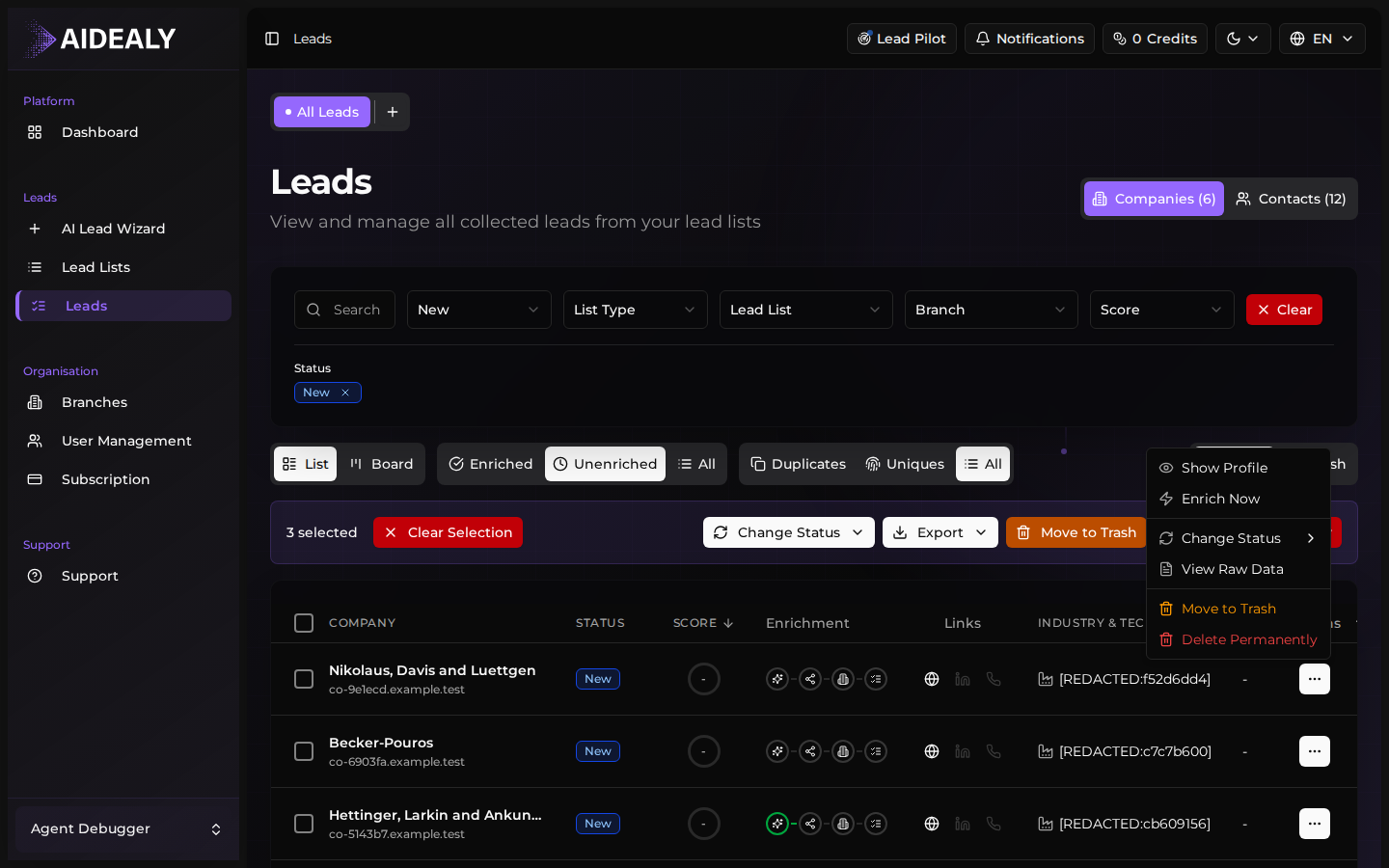
In the Leads Hub, locate the row you want to enrich. Use search or filters if needed.
- 2
Open the row action menu
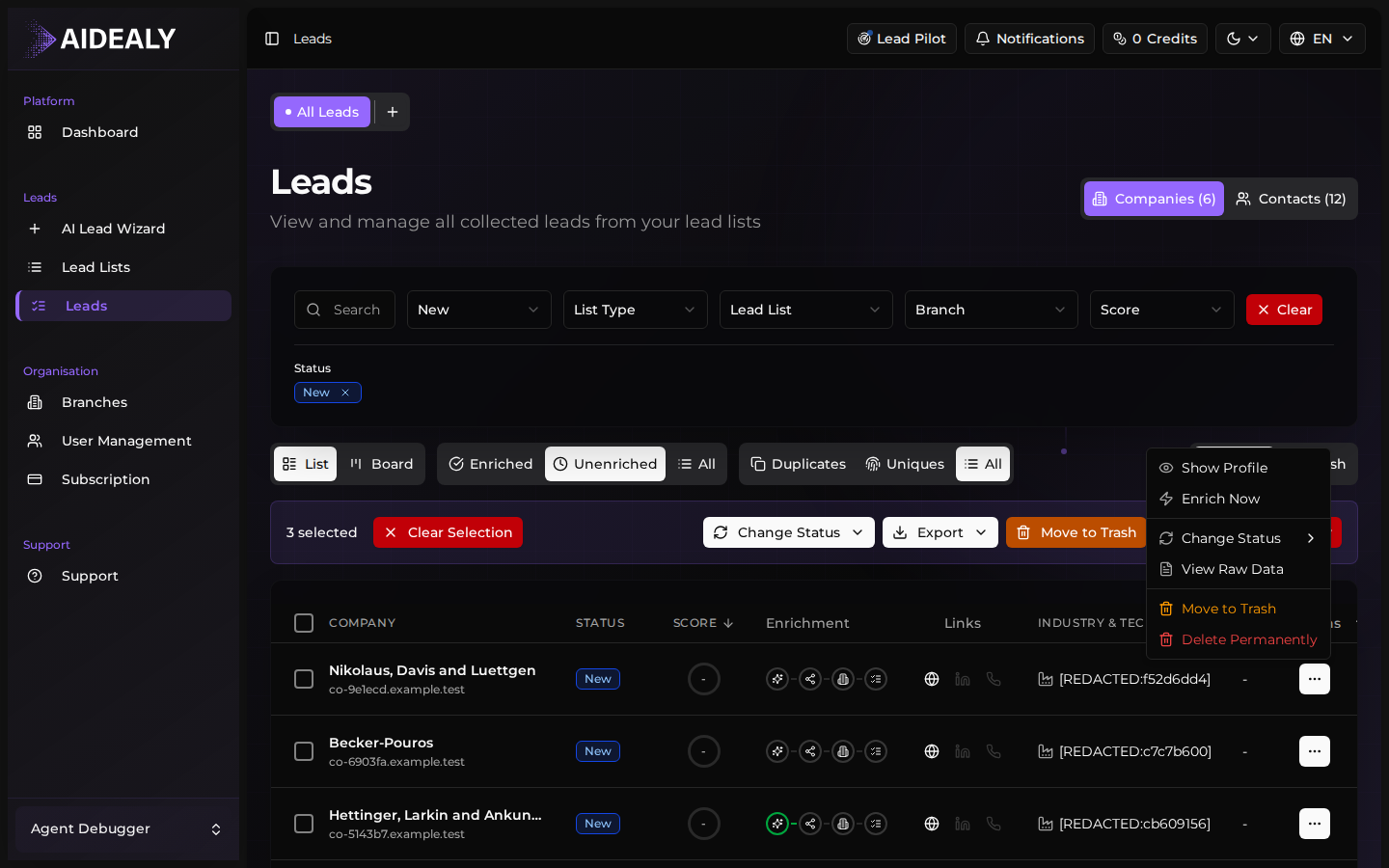
Click the three-dot menu on the right of the row. The row action menu opens with the most common per-lead actions, including Enrich.
- 3
Pick Enrich
Click Enrich. Aidealy queues the enrichment and shows a toast when it finishes — usually a few seconds. The lead's row updates with whatever new data came back.
Bulk enrichment
Enrich many leads at once
- 1
Select the leads
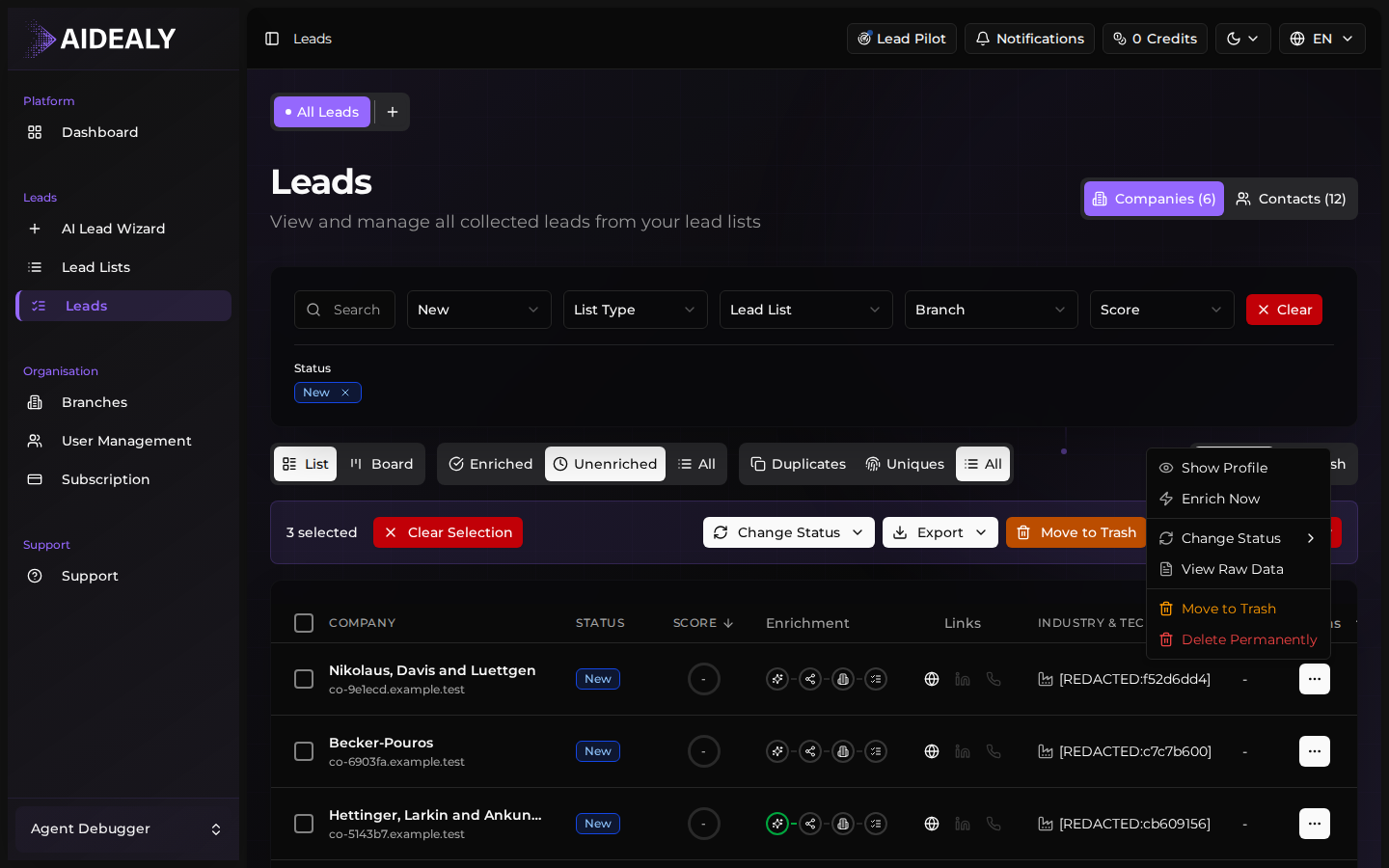
Tick the checkbox in the table header to select every row on the current page, or tick individual rows. The bulk toolbar appears at the bottom of the page.
- 2
Click Enrich in the bulk toolbar
The toolbar shows the actions available for the selection. Click Enrich and confirm the credit estimate.
- 3
Watch the progress modal
Aidealy opens a progress modal showing how many leads have been enriched, how many remain, and any errors. You can close the modal — the job continues in the background.
Re-enrich periodically
Company data drifts. Re-enrich your top leads every few months to keep contact emails verified and firmographics current. The bulk toolbar makes a quarterly refresh painless.
Enrichment progress modal
The progress modal stays open as the pipeline runs, showing each stage: queued, fetching, parsing, saving. If any lead fails (for example, the data source has no record), it's logged in the modal with a reason — and you're only charged credits for leads that successfully enriched.