Schedule recurring runs
Keep a Lead List fresh by running it on a daily, weekly or monthly cadence.
Lead Lists can run on a schedule so you don't have to remember. New matching companies are added automatically as data sources refresh, and you only pay credits for what's actually enriched.
Pick a cadence
Set a schedule on a Lead List
- 1
Open the Lead List
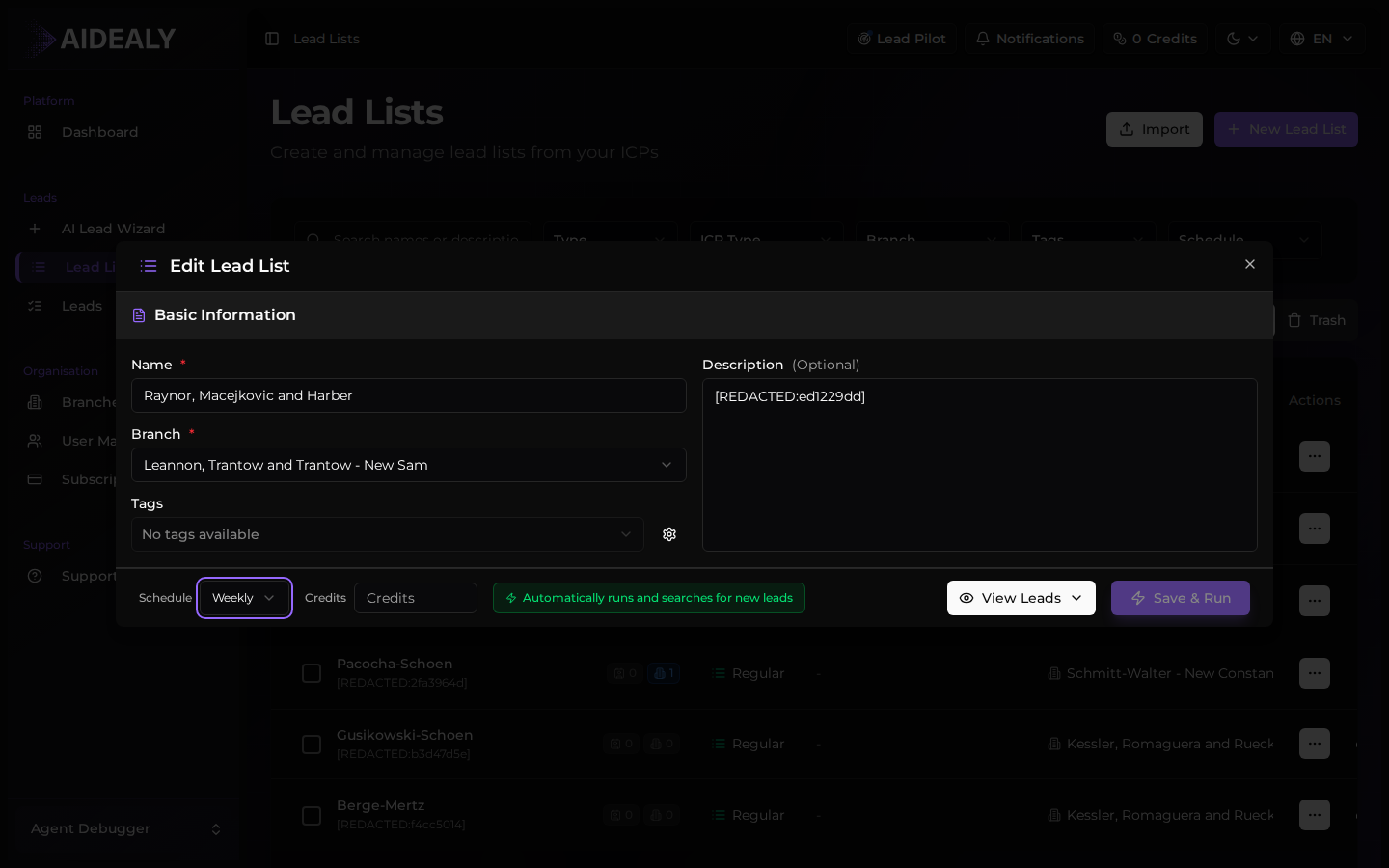
From the Lead Lists page click into the list you want to schedule. Scroll to the Schedule section on the detail page.
- 2
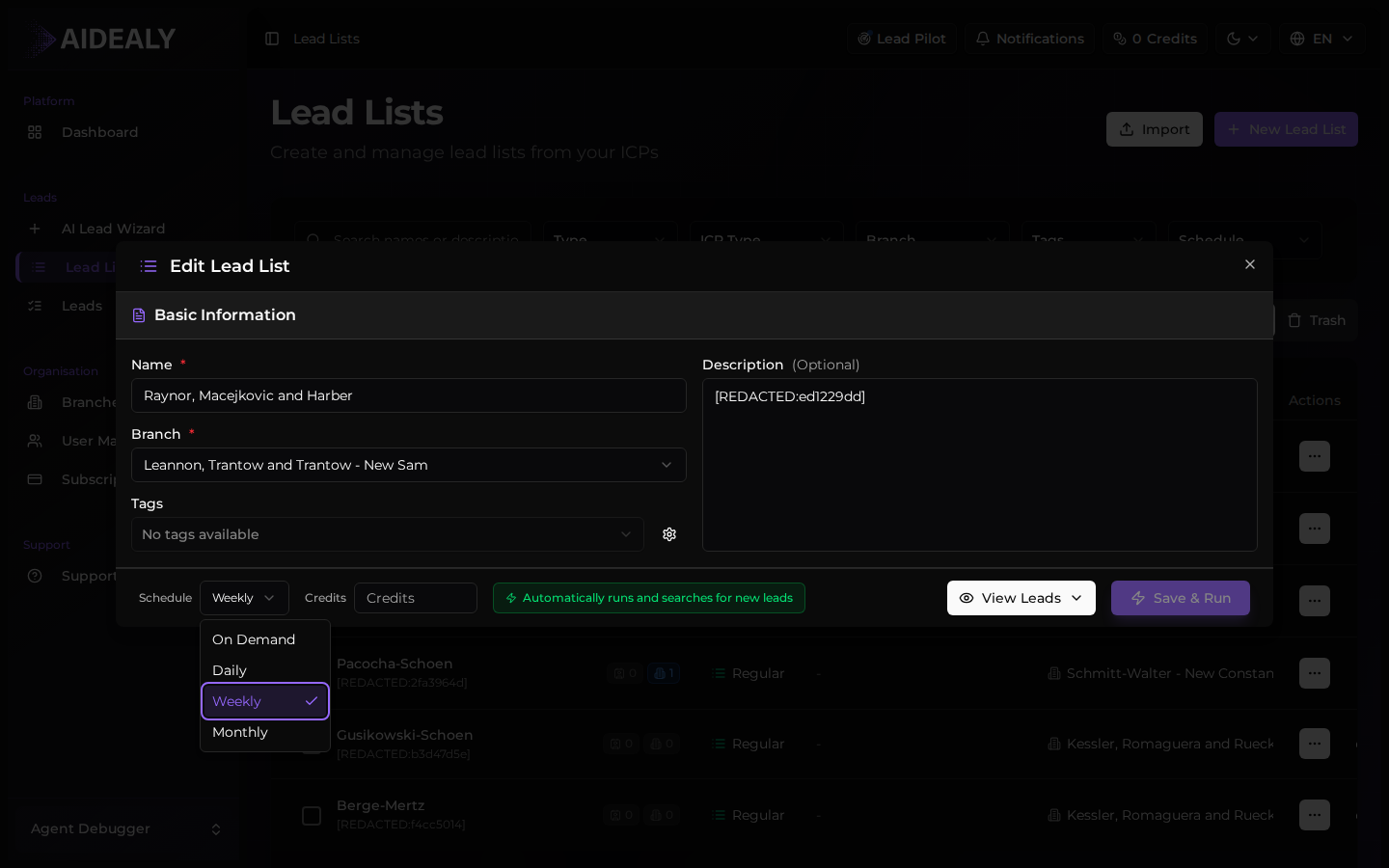
Choose a cadence
Pick Manual, Daily, Weekly, or Monthly. Manual disables the schedule entirely and means the list only runs when you click Run.
- 3
Save
Save the list. Aidealy queues the next run at the cadence you chose; you can change it anytime without losing past results.
Cap your credit spend per run
Use the credits per run field to put a ceiling on what each scheduled run can consume. The list stops enriching once it hits the cap, even if more matches exist.
Review past runs
The Runs panel on the Lead List page lists every run with its trigger (manual or scheduled), the credits it spent, and how many leads it added or refreshed. Click a run to see its detailed log.
This is the place to spot a list that's drying up, costing more than expected, or repeatedly hitting an error in the data sources.