Run a lead search
Trigger a search, watch the enrichment pipeline in real time, and review results.
Running a Lead List sends it through the search and enrichment pipeline. Aidealy reserves credits, fetches matches from its data sources, enriches each company and contact, and scores them against your ICP. By the time the pipeline finishes, the list is ready to work in the Leads Hub.
Start a run
Trigger a search on a Lead List
- 1
Open the Lead List
From the Lead Lists page, click the list you want to run. The detail page opens with the current configuration, recent runs, and a prominent Run button.
- 2
Click Run
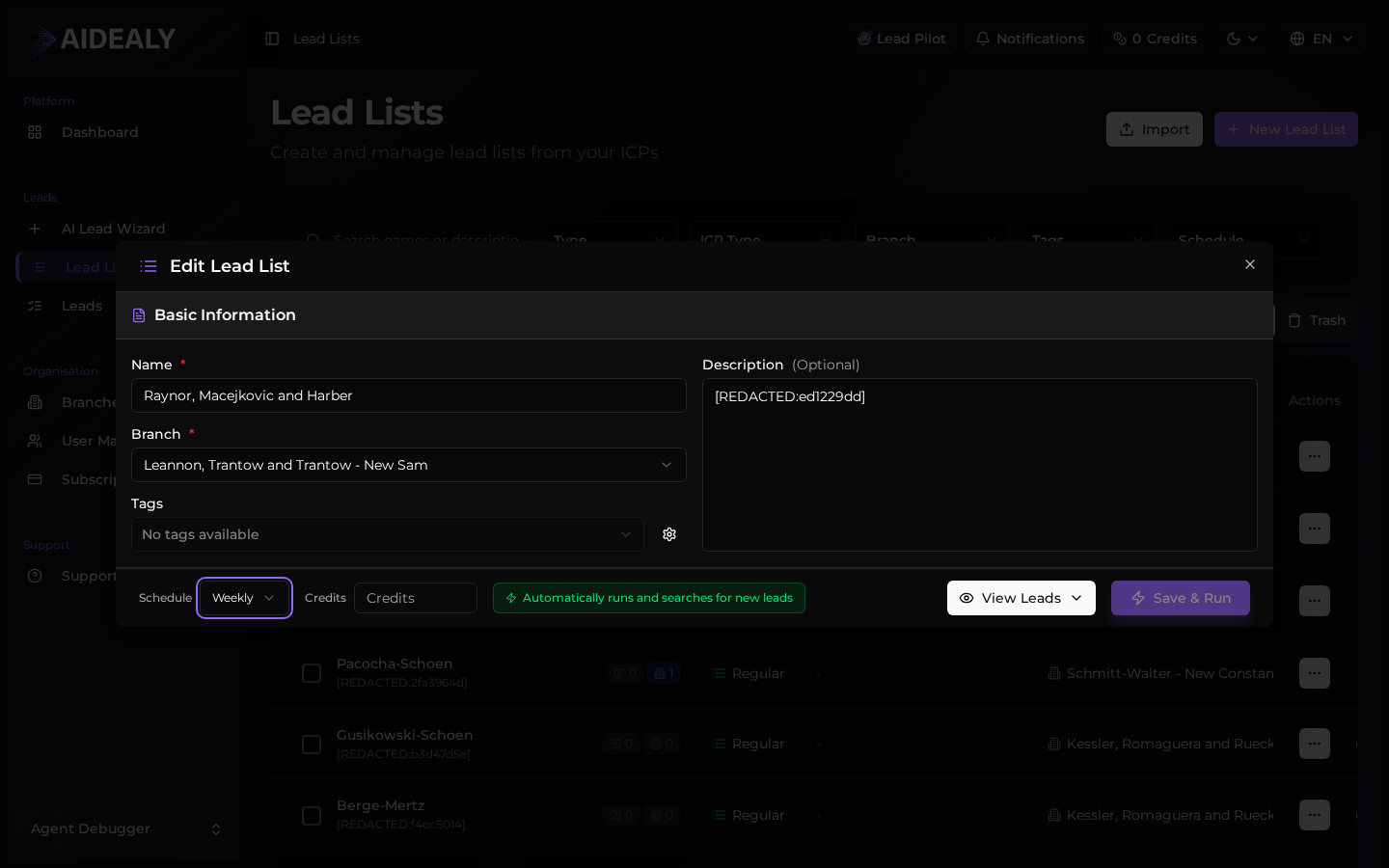
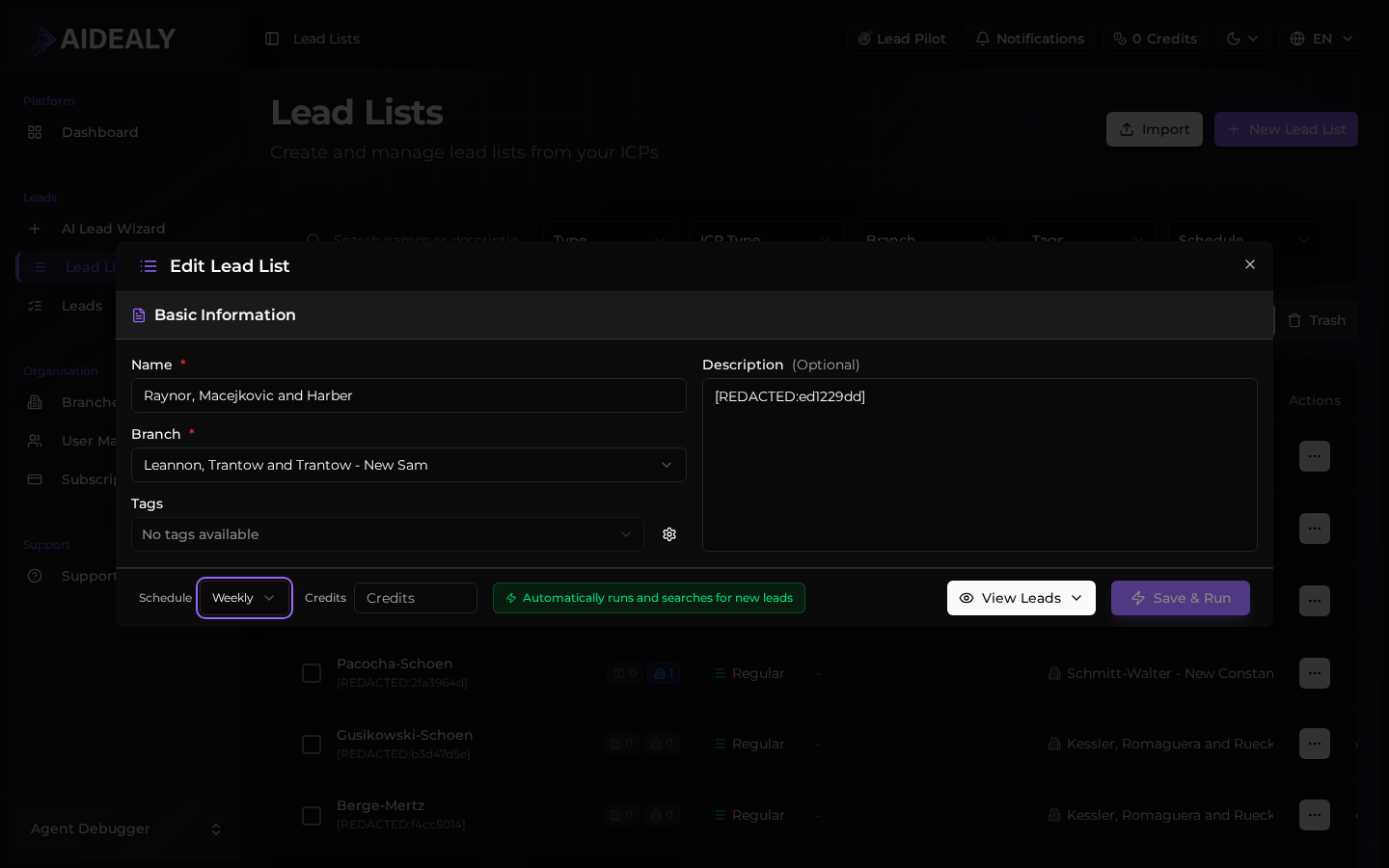
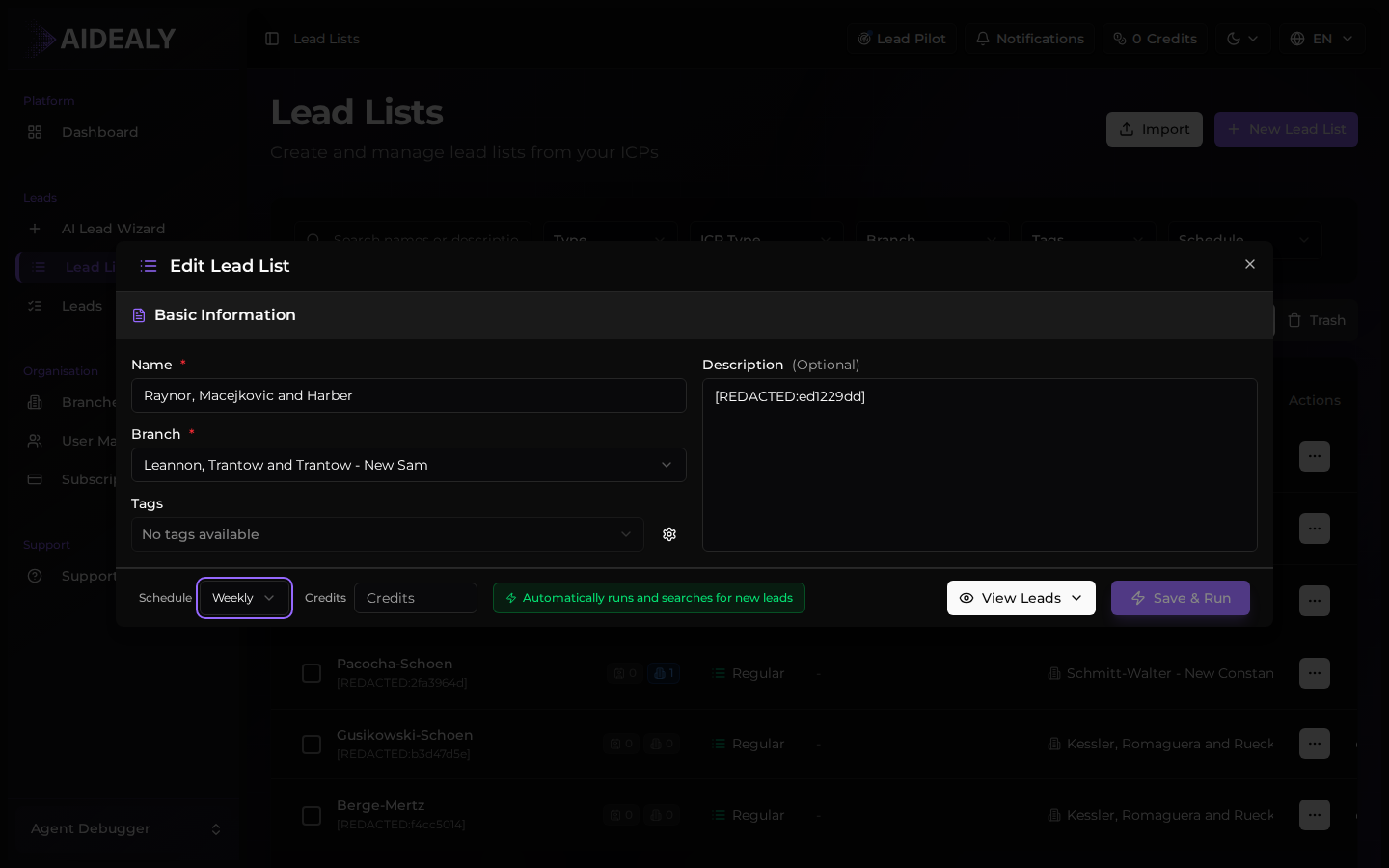
Hit Run and confirm the credit estimate. Aidealy does a quick pre-flight check to make sure you have enough credits, then queues the run.
- 3
Watch the pipeline indicator
The pipeline indicator at the top of the page shows live progress: searching, enriching, scoring, finalising. You can leave the page and come back — the run continues in the background.
Watch the pipeline
The pipeline indicator updates in real time as each stage completes. Searching pulls candidate companies from data sources; Enriching pulls firmographics and contacts; Scoring compares each lead to your ICP; Finalising writes the results into your Leads Hub.
Runs finish in a few seconds for small lists and a few minutes for larger ones. A toast notification confirms completion so you can stay focused on other work.
Insufficient credits
Run blocked by credit pre-flight
If your balance is below the estimate for this run, Aidealy blocks it before any credit is spent and shows the Insufficient credits modal. The modal tells you how many credits the run needs and how many you have, and gives you a one-click path to top up.
Top up your credits and run again — the original run isn't charged for the failed attempt. If you're on a usage-capped plan, the same modal points you to the right place to upgrade.