Notification center
Stay on top of run completions, credit alerts, invitations and team activity.
The notification center collects every relevant event in your workspace into a single timeline — search runs finishing, low-credit warnings, new invitations, support replies, and team activity. Open it any time to see what's happened recently and clear the things you've already actioned.
Open notifications
There are two ways to reach the notification center: click the small bell icon in the top bar (the badge shows your unread count), or navigate directly to /notifications. Either drops you into the full notification timeline with the newest items at the top.
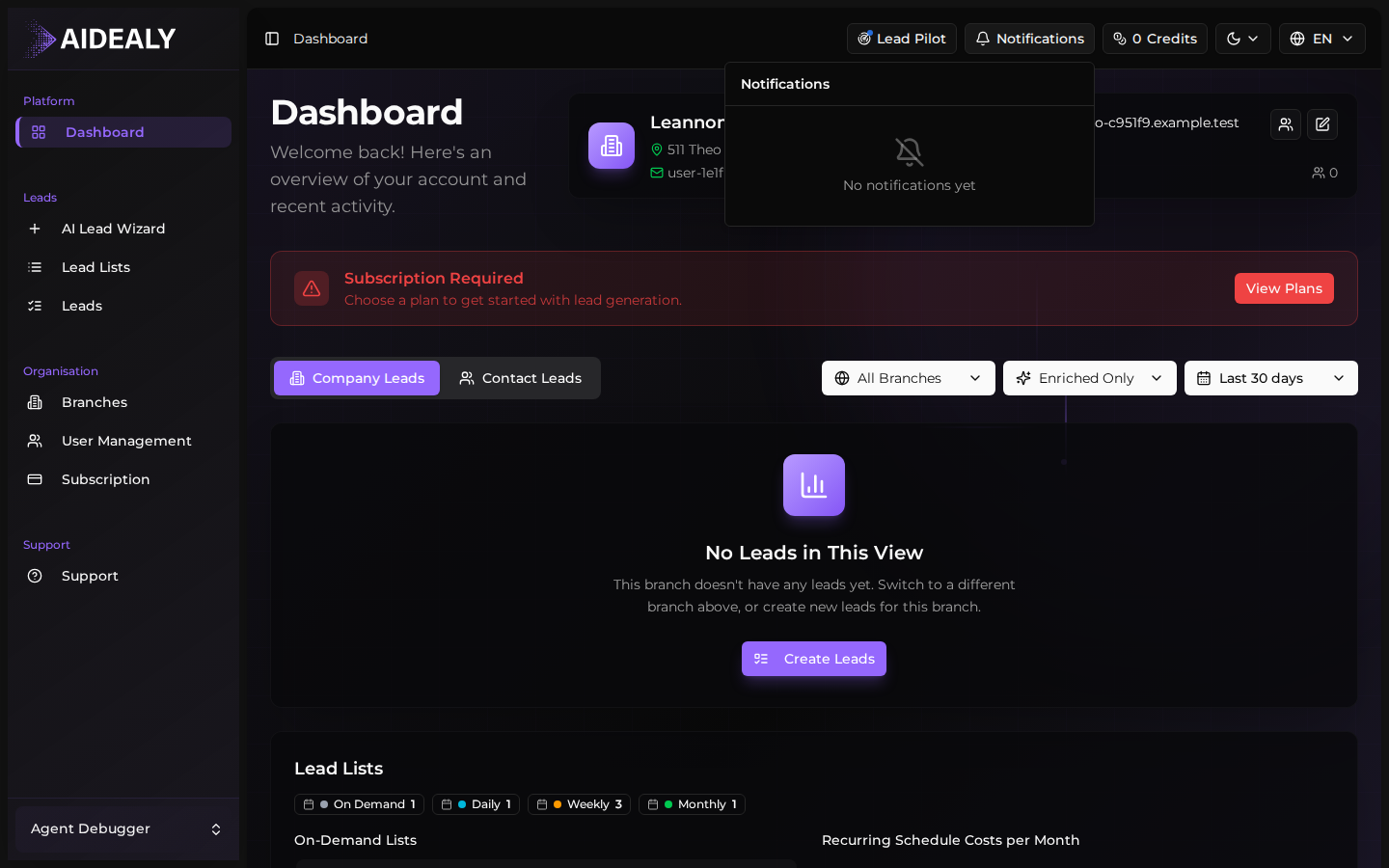
Each notification shows an icon for its type, a short headline, a relative timestamp ("3 minutes ago"), and — where it applies — a deep link straight to the relevant object: the Lead List that finished running, the support ticket that got a reply, the invitation that was accepted.
Manage notifications
- 1
Mark a single item as read
Hover over an item and click the small dot icon on the right. The item is marked read and the unread badge in the top bar drops by one. Items stay in the list — they're just no longer highlighted.
- 2
Mark all as read
If you're catching up after a long break and don't want to click through every item, click Mark all as read at the top of the list. The unread badge clears to zero.
- 3
Delete a single item
Click the trash icon on a notification to remove it from the timeline permanently. Deleted notifications can't be brought back, but the events they reference (the lead, the ticket, the invitation) stay where they are.
- 4
Clear everything
To wipe the entire timeline, click Clear all at the top of the page and confirm. This is a destructive action — there's no undo — so use it when you're sure you've actioned everything that matters.
The badge updates in real time
You don't have to refresh the page to see new notifications. The unread badge in the top bar polls every few seconds, so a long-running search that finishes while you're working on something else will pop into view without any action from you.