Language and appearance
Switch between English and German, and toggle light / dark theme.
Aidealy speaks English and German, and works in both a light and a dark theme. Language and theme are personal preferences — they only affect you, not your teammates. This article covers how to switch each, and what to expect when you do.
Switch language
- 1
Open the language switcher in the top bar
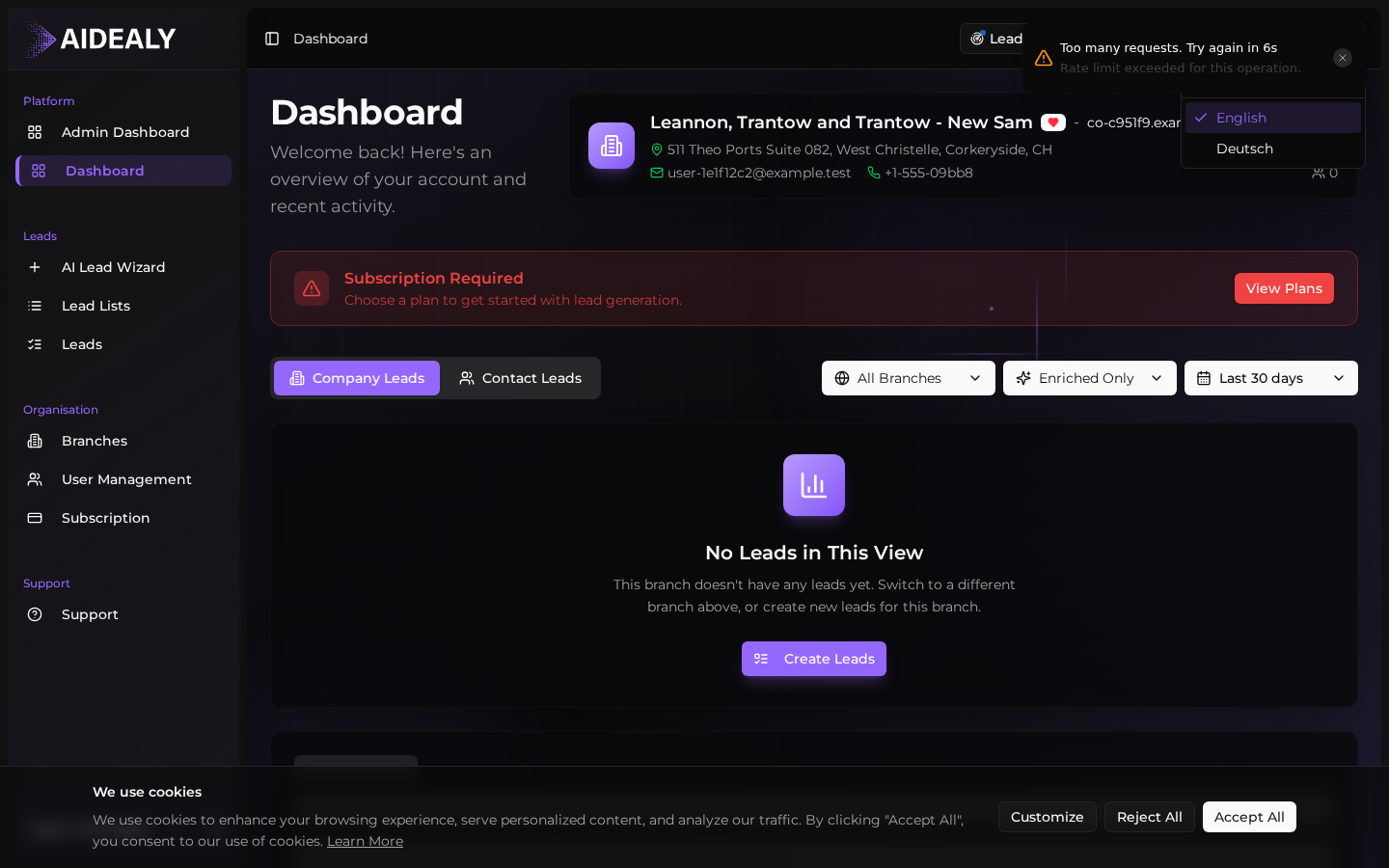
In the top-right corner of every page, you'll see a small EN (or DE) button — that's the language switcher. Click it to open a dropdown listing the available languages.
- 2
Pick the language you want
Click English or Deutsch. Aidealy switches the entire app immediately — page titles, navigation labels, button text, validation messages and the URL slug all change. Your data stays in whatever language you entered it.
- 3
The preference sticks
Your language choice is remembered for the next time you sign in, both in your browser and on every other device you sign in from. New invitations sent to your email also arrive in the language you've picked.
The language switch is reflected in the URL too — English pages use the bare path (/settings) and German pages prepend a /de prefix and translated segments (/de/einstellungen). Bookmarking either works; visiting one redirects you to the other based on your preference.
Change theme
- 1
Aidealy follows your system preference
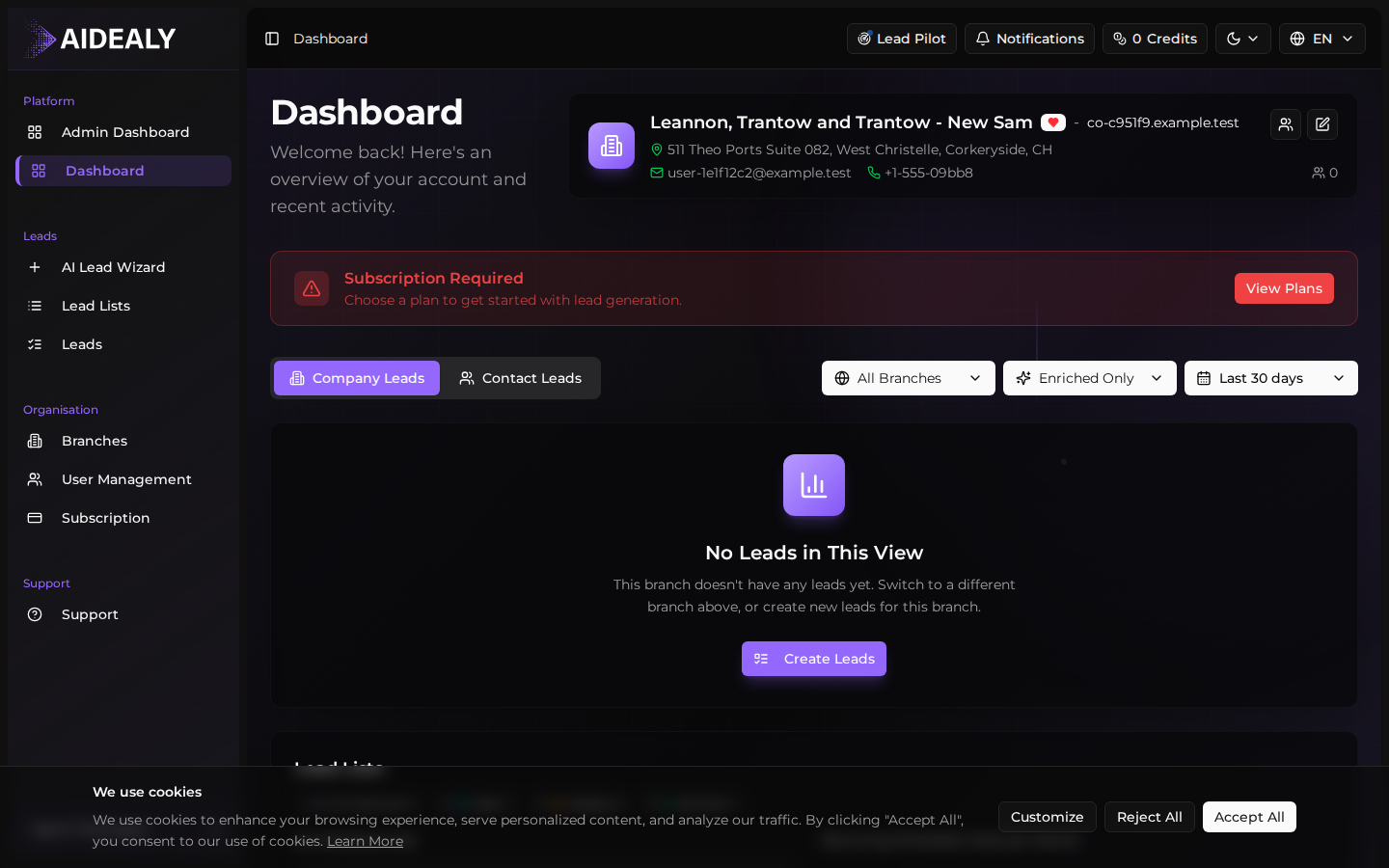
By default, Aidealy matches the light/dark preference set in your operating system. If your computer flips to dark mode at sunset, Aidealy will too — no setting to flip in the app.
- 2
Toggle from your OS settings
On macOS open System Settings → Appearance and pick Light, Dark, or Auto. On Windows 11 open Settings → Personalisation → Colours and pick a mode. On iOS and Android the option lives under Display in the system settings. Aidealy updates the next time you focus the tab.
- 3
Refresh if the change doesn't apply
If you flip your OS theme while Aidealy is open in a background tab, a quick refresh (Cmd+R or Ctrl+R) makes sure every component picks up the change.
Dark mode is easier on the eyes
If you spend long sessions in the Leads Hub, give dark mode a try. The high-contrast charts and the data tables are tuned for both themes, so nothing becomes unreadable when you switch.