Change your password
Rotate your password from the settings page.
You can rotate your sign-in password at any time. Aidealy asks for your current password as a safeguard before accepting a new one, and the change takes effect immediately on your next sign-in. Other active sessions stay valid for now — sign out from any device you no longer trust.
Update your password
- 1
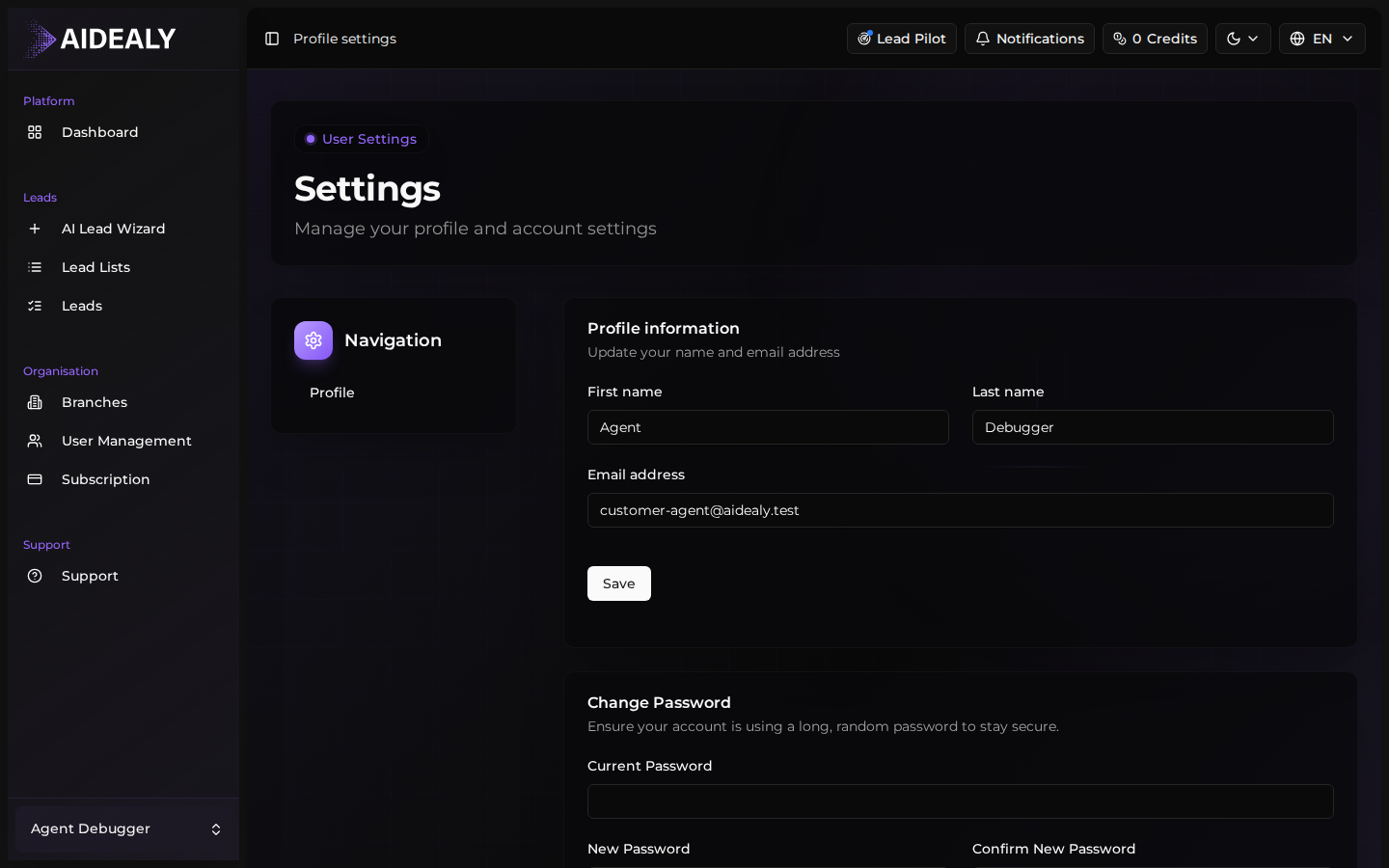
Open Settings → Profile
Navigate to
/settings/profilefrom the sidebar avatar menu. Scroll down past the profile fields — the password section sits below them on the same page. - 2
Enter your current password
In the Current password field, enter the password you sign in with today. Aidealy compares it before allowing the change.
- 3
Pick a new password
Enter a new password in both New password and Confirm new password. The minimum length is 8 characters; mix in numbers and symbols to reach a strong strength score.
- 4
Save
Click Save. Aidealy shows a confirmation toast and the change is live — your next sign-in will require the new password. The current session stays signed in.
Use a password manager
Pick a long, random password and store it in a password manager (1Password, Bitwarden, the one built into your browser). Aidealy doesn't enforce rotation — pick something strong once and you don't have to memorise anything.