Create your organisation
Spin up an organisation, set your headquarters branch, and you're ready to build ICPs.
Every workspace in Aidealy lives inside an organisation. New accounts without an org are sent to a one-step creation form that also creates your headquarters branch — so a single submit gives you a complete, ready-to-use workspace.
Open the creation form
From the main navigation, click Organisation in the sidebar. If you don't already belong to one, you'll see a prompt to create your first organisation. Click Create organisation to open the form.
If you've been invited to an existing organisation by a teammate, accept the invitation instead — you won't need to create a separate one.
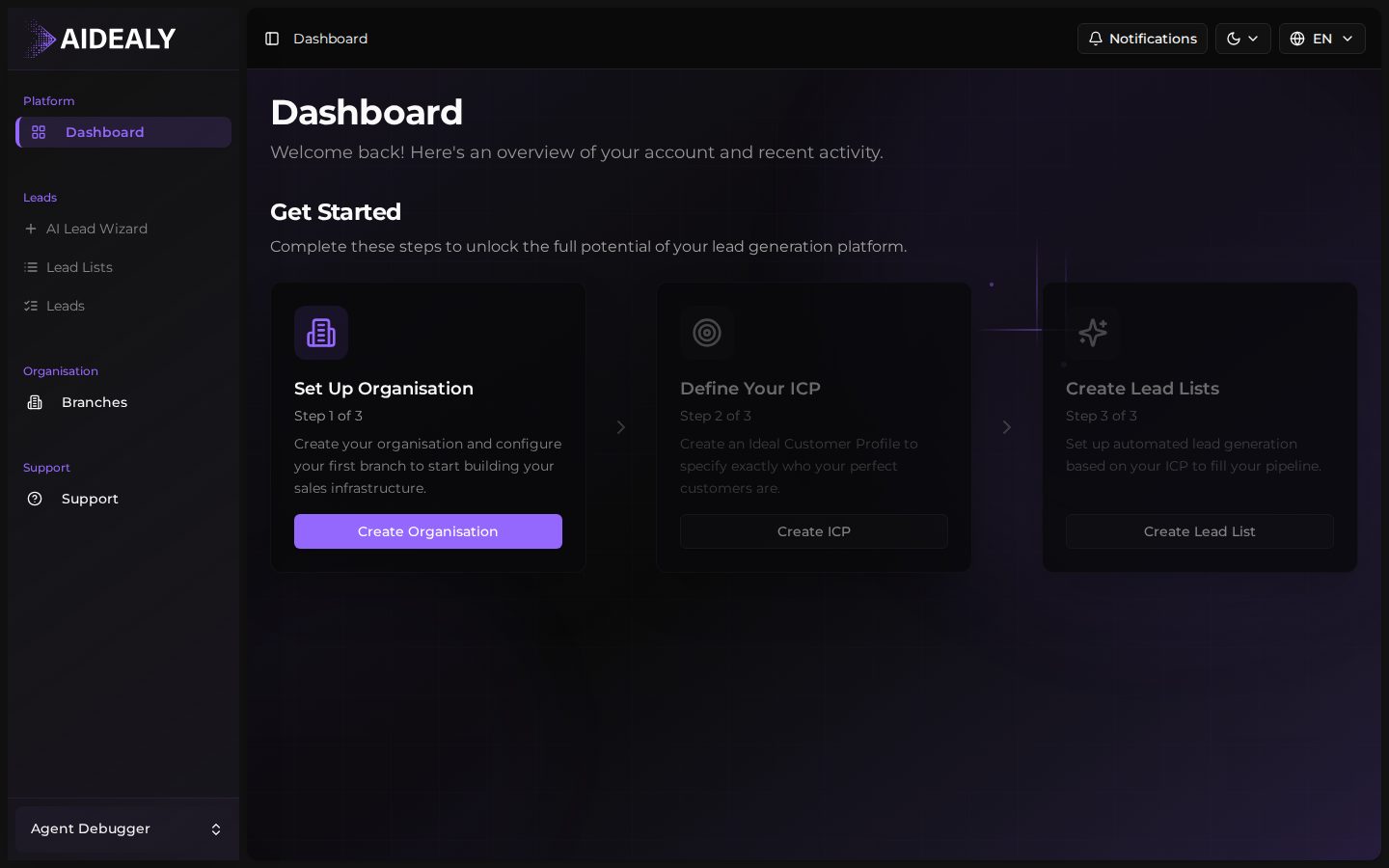
Fill in the details
- 1
Name your organisation
Enter the name your team will recognise. This appears in the top bar, in invitation emails, and on every export you send out. Use your company name or business unit — whatever your colleagues will spot at a glance.

- 2
Set your headquarters branch
The same form creates your first branch and marks it as the headquarters. Give it a recognisable name (often the city of your main office) and an address. Aidealy uses the headquarters branch as the default scope for new Lead Lists and dashboard metrics.
- 3
Submit
Click Create organisation. The workspace is provisioned immediately and you're taken to the dashboard, ready to invite teammates or jump into the ICP wizard.
You can add more branches later
Most teams start with just the headquarters branch. As your organisation grows — new locations, business units, or brands — you can add more branches from the Branches page and assign teammates and Lead Lists to them.