Change or cancel your plan
Swap plans with a preview, cancel at period end, or resume a cancelled subscription.
You can change or cancel your plan at any time from the Subscription page. Plan swaps are previewed first — Aidealy shows the exact proration so you know what you'll be charged or credited before you confirm. Cancellations take effect at the end of your current billing period, and you can resume right up until then.
Swap to a different plan
- 1
Open the Subscription page
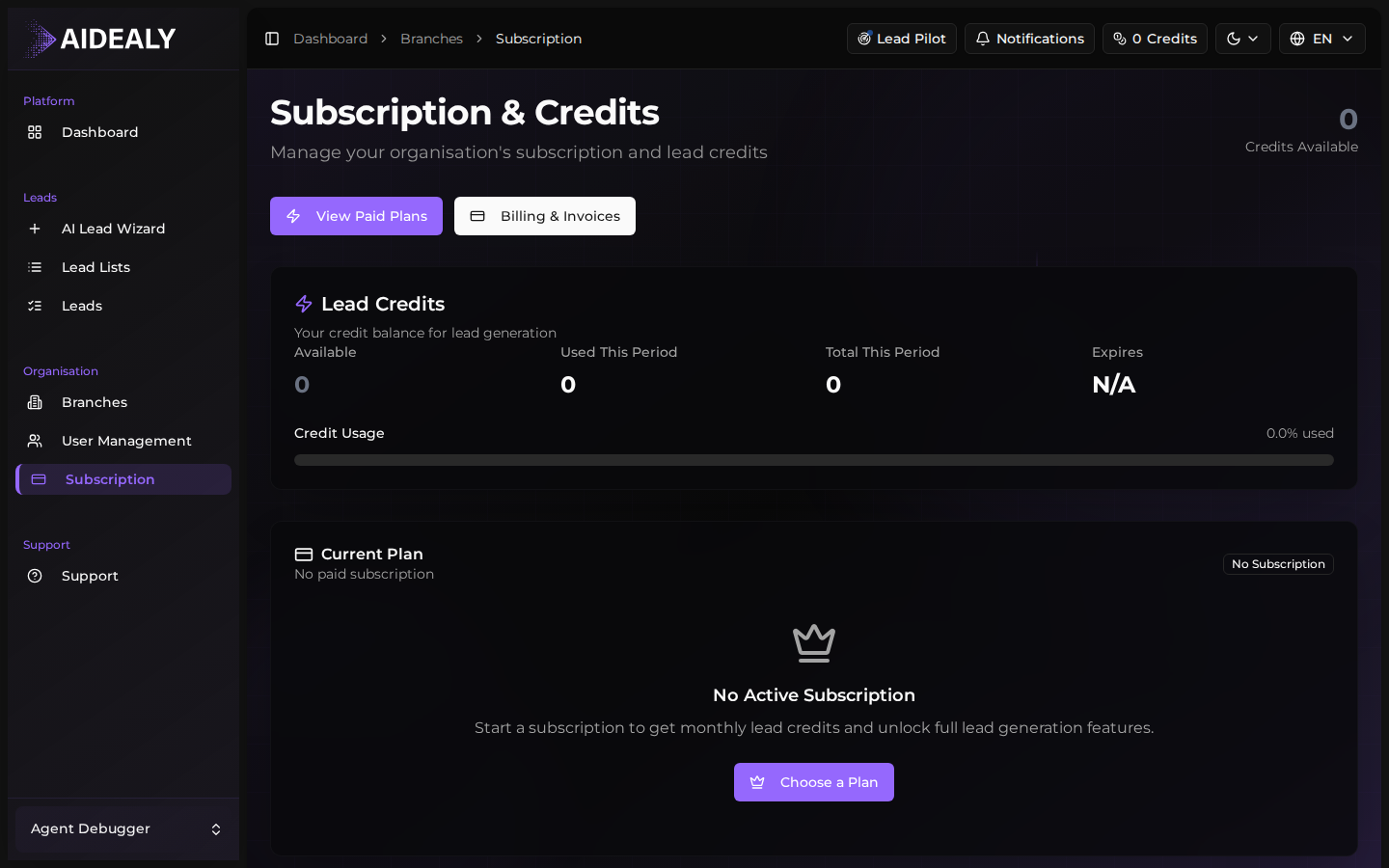
From the main navigation, click Subscription. You'll see your current plan, your credit balance, and your next renewal date.
- 2
Click Change Plan and pick a new tier
Click Change Plan to open the upgrade view. Find the tier you want to move to and click Get Started.
- 3
Review the proration preview
Aidealy fetches a proration preview from Stripe and shows you exactly what changes: the new monthly cost, any credit on your account for unused days on the old plan, and any immediate charge for the difference. Nothing is billed yet.
- 4
Confirm the swap
Click Confirm to finalise. The change applies immediately, your credit allowance updates, and a new invoice is generated for the proration amount. If you're downgrading, the credit is held on your Stripe account and applied to your next bill.
Cancel your subscription
- 1
Open the Subscription page
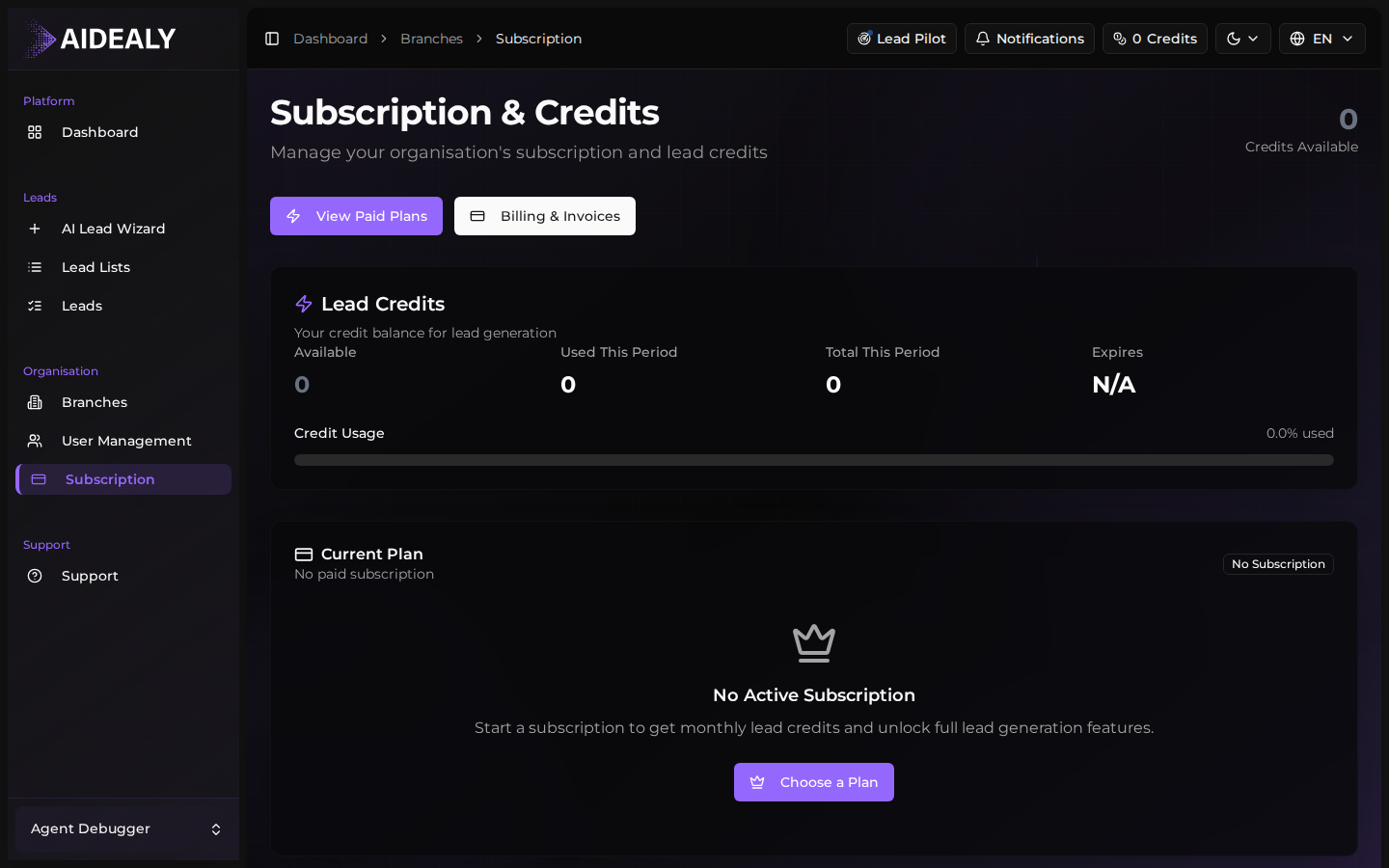
From the main navigation, click Subscription.
- 2
Click Cancel Subscription
Scroll to the current-plan card and click Cancel Subscription. A confirmation modal appears showing exactly when access ends — typically the last day of your current billing period.
- 3
Confirm cancellation
Click Confirm Cancel. Your subscription is flagged for cancellation but stays active until period end — you keep your credits and full feature access until then. After that date your organisation drops back to the free state.
Unused credits expire at cancellation
When the cancellation date arrives, any unused monthly credits are released back to Aidealy — they don't carry over into a free plan. If you have a topup balance, those credits stay yours but you'll need an active plan to spend them on new searches.
Resume a cancelled subscription
Changed your mind? As long as the cancellation date hasn't passed yet, you can resume your plan with a single click. Open the Subscription page — a banner at the top shows the upcoming cancellation date and a Resume Subscription button. Click it to keep your plan running. The cancellation flag is cleared and your next renewal happens as normal.
If the cancellation date has already passed, you'll need to pick a plan and check out again from scratch — but your historical data, ICPs and Lead Lists are all preserved.
Cancel and resume is reversible
If you're not sure whether to commit to a yearly plan, cancel before the next monthly renewal and resume if you decide to stay. There's no penalty for flipping the cancellation flag back and forth.