Build an ICP with the wizard
A conversational wizard walks you step-by-step through industry, geography, size and signals.
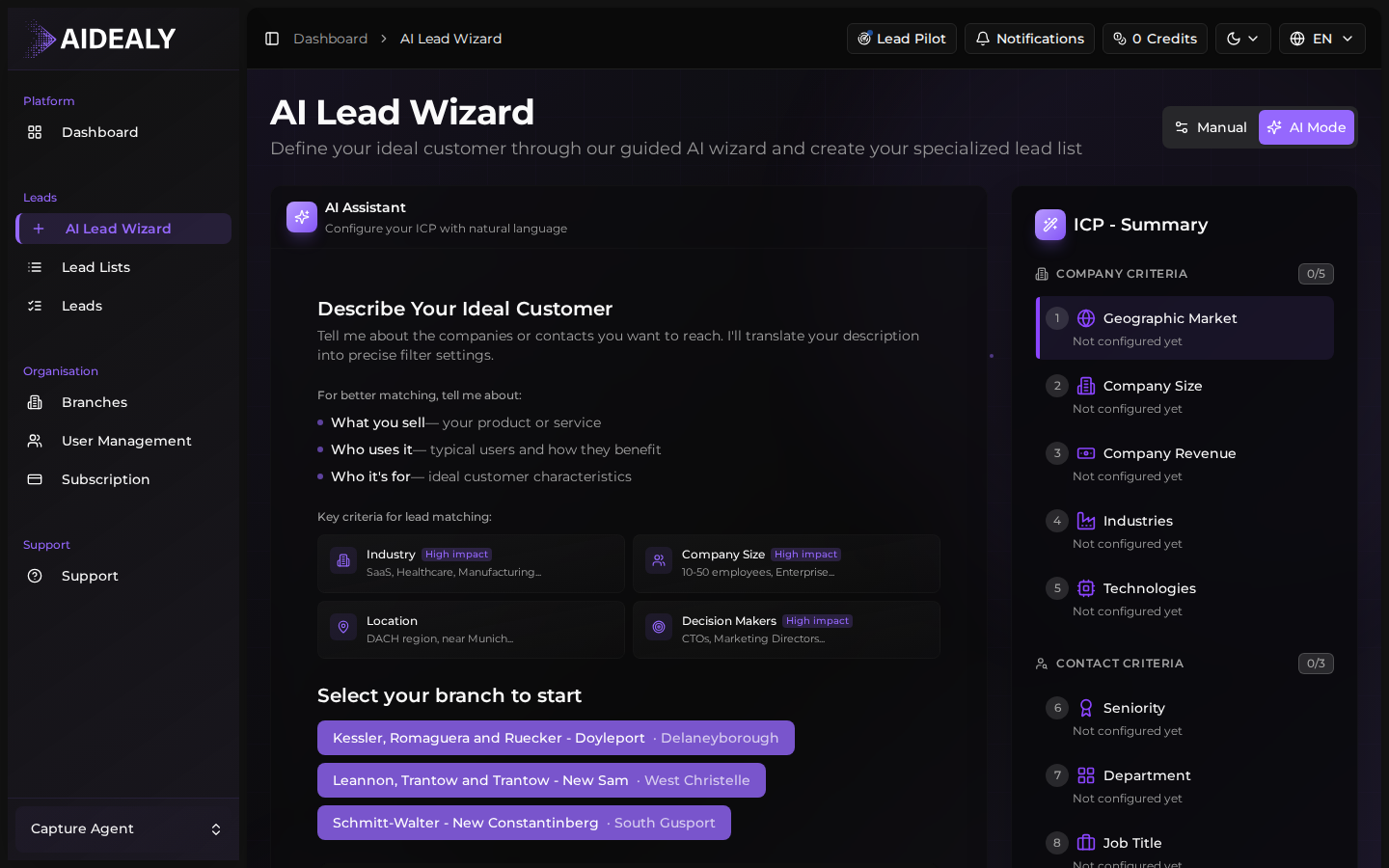
The ICP wizard is the manual, structured-form path. You step through each ICP field yourself — industry, geography, company size, decision-maker roles, signals — and the wizard saves your answers into a reusable ICP Profile plus an immediately usable Lead List. Prefer to skip the form? The AI chat proposes most of these selections for you from your branch profile in under five minutes. You can switch between the two paths at any time using the toggle at the top of the wizard.
Open the wizard
From the sidebar, click AI Lead Wizard. The wizard opens to step one — choosing which branch this ICP will be used for. If you only have one branch, this is selected automatically.
Walk through the steps
- 1
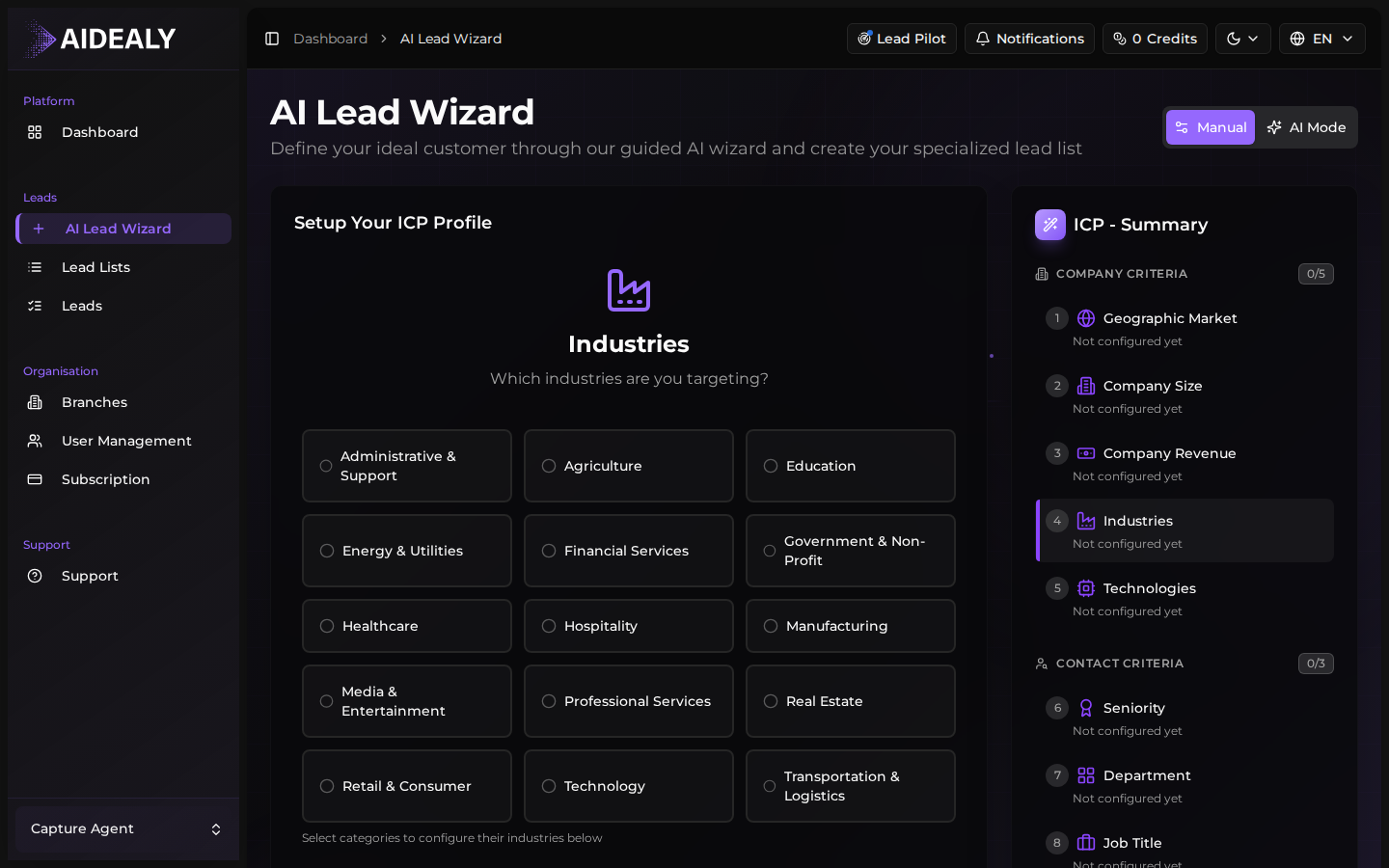
Pick your industries
Start by selecting the industries you sell to. You can type free-form ("SaaS B2B with focus on revenue ops") or pick from suggested categories. The wizard will refine your input into structured industry tags.
- 2
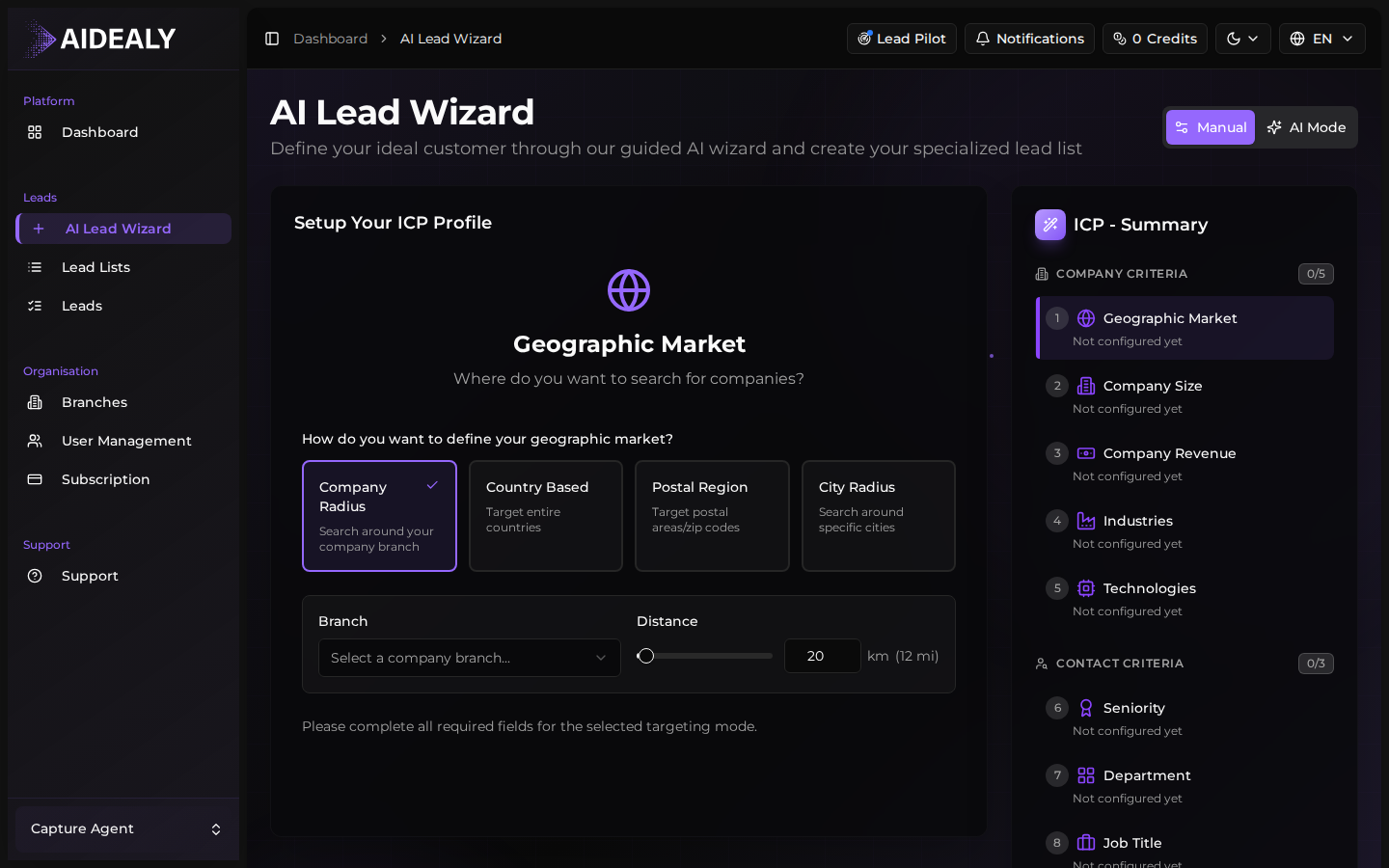
Choose your geography
Specify where your customers operate. You can mix and match — pick whole regions ("DACH"), specific countries ("Germany, Austria"), or even individual cities. The wizard supports both broad and narrow scopes.
- 3
Set the company size
Pick the headcount or revenue range that fits your ideal customer. Most B2B teams stick to a 5–10× range (e.g. 50–500 employees) — narrow enough to be precise, wide enough to leave room for great-fit outliers.
- 4
Add decision-maker roles and signals
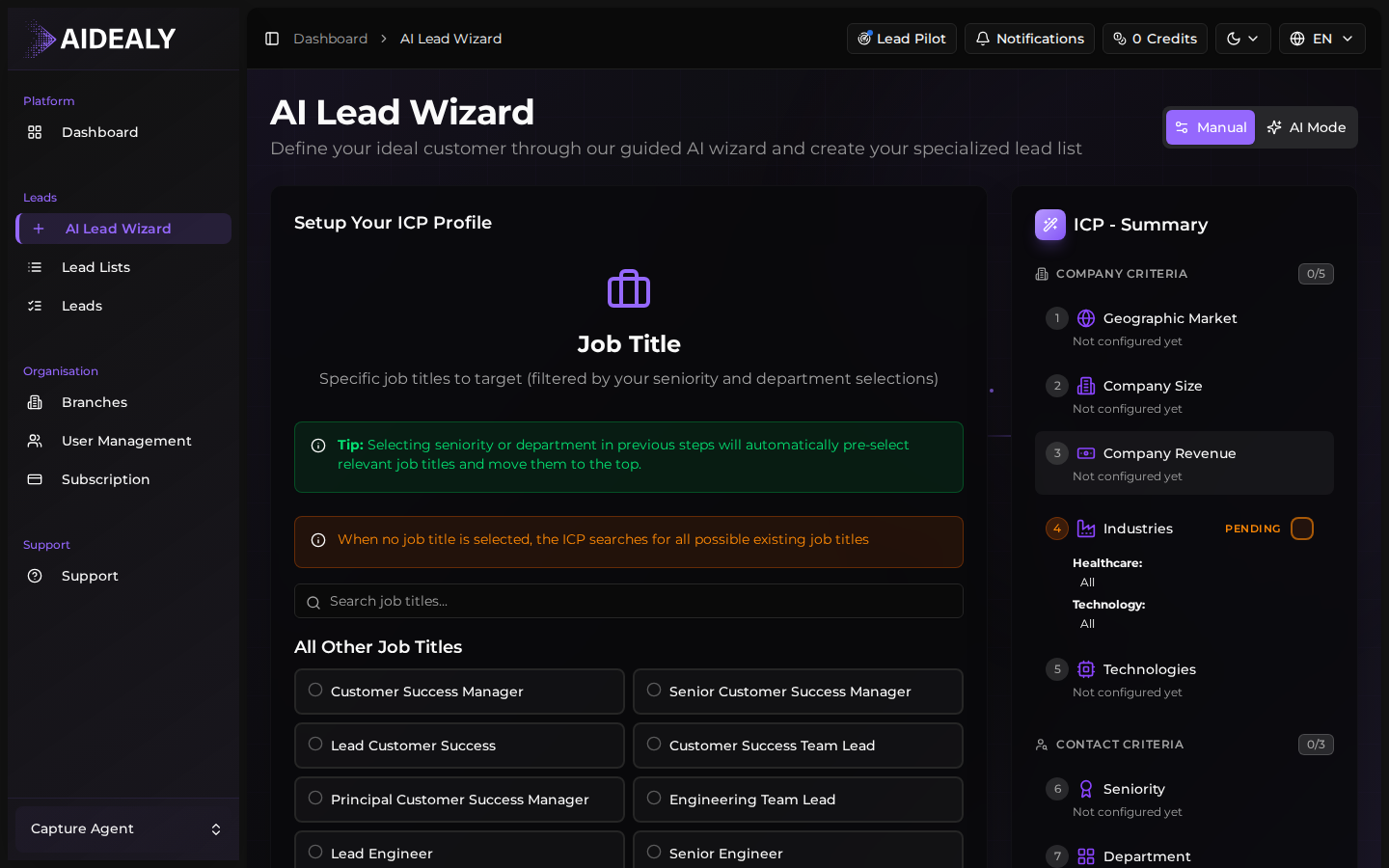
Tell the wizard which job titles you want to reach (Head of Sales, VP Marketing, etc.) and any optional buying signals — recent funding, headcount growth, specific tech stack. These signals boost the ICP score for matching companies.
- 5
Review and save
The wizard shows you a structured summary of your ICP before saving. Review it, tweak anything you want to refine, then click Save and run.
Save and run
Saving the ICP also creates your first Lead List against it and kicks off an initial search run. Within a few minutes you'll see real companies and contacts landing in the Leads Hub — scored against the ICP you just built. From here you can refine the ICP, add new Lead Lists pointing to it, or schedule recurring runs.
Don't overthink your first ICP
You can — and should — refine your ICP after you've seen the first round of results. Start with something close to your gut instinct, run a search, scan the top scorers, and then come back to tighten or relax criteria based on what you saw. Iteration is faster than analysis.